iPhone
iPhone & iPad
Full Magic Earth, smart alerts, AI analysis, widgets & Live Activity on the Lock Screen.
 Magic Weather
A photoreal 3-D weather companion. Spin the globe, watch storms breathe across continents, and feel a forecast you can almost touch — on every Apple device you own.
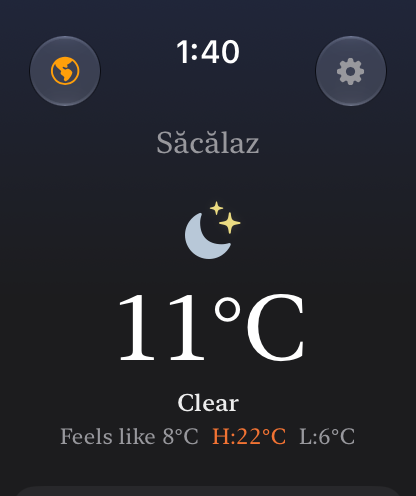
Search a place, use precise browser location, or let the page fall back to an approximate IP location. Weather data refreshes after 30 minutes.
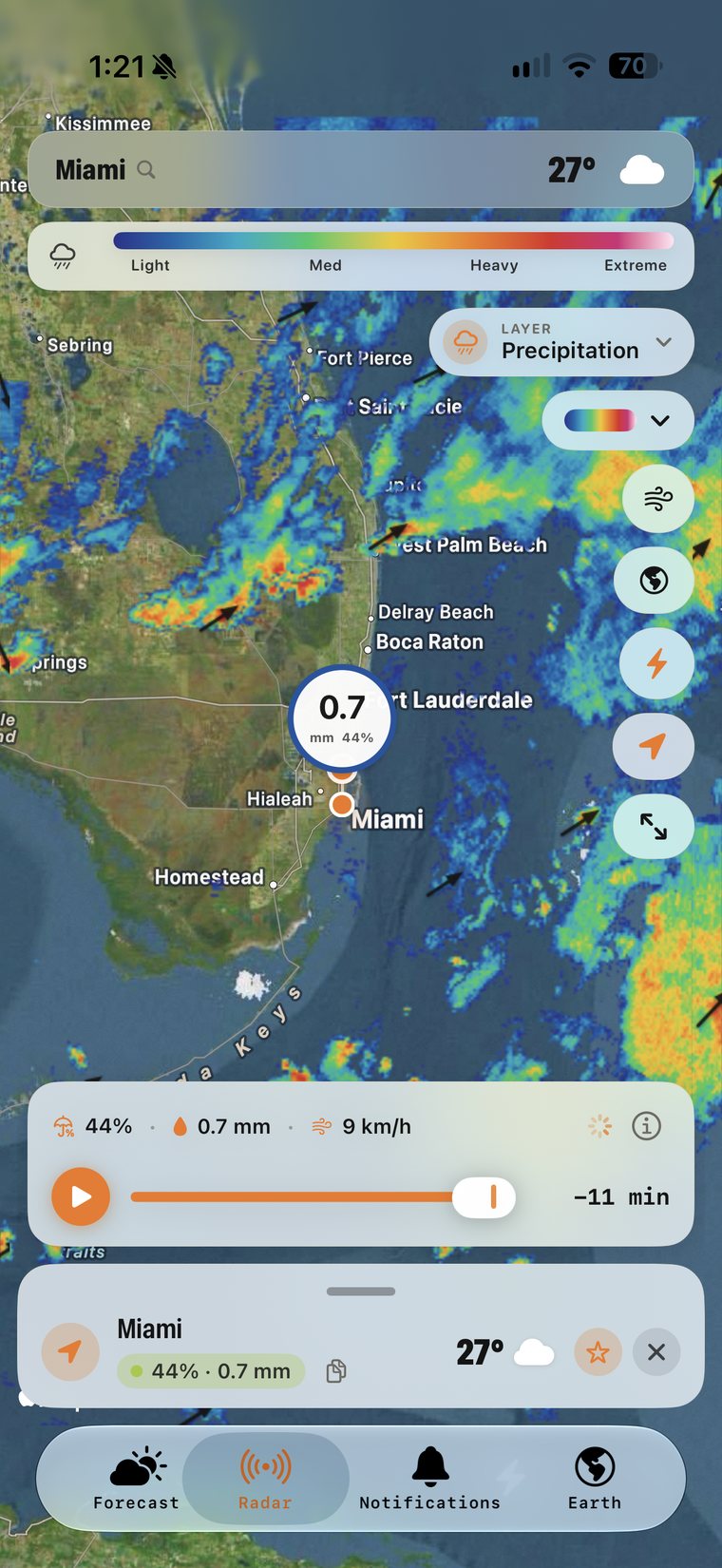
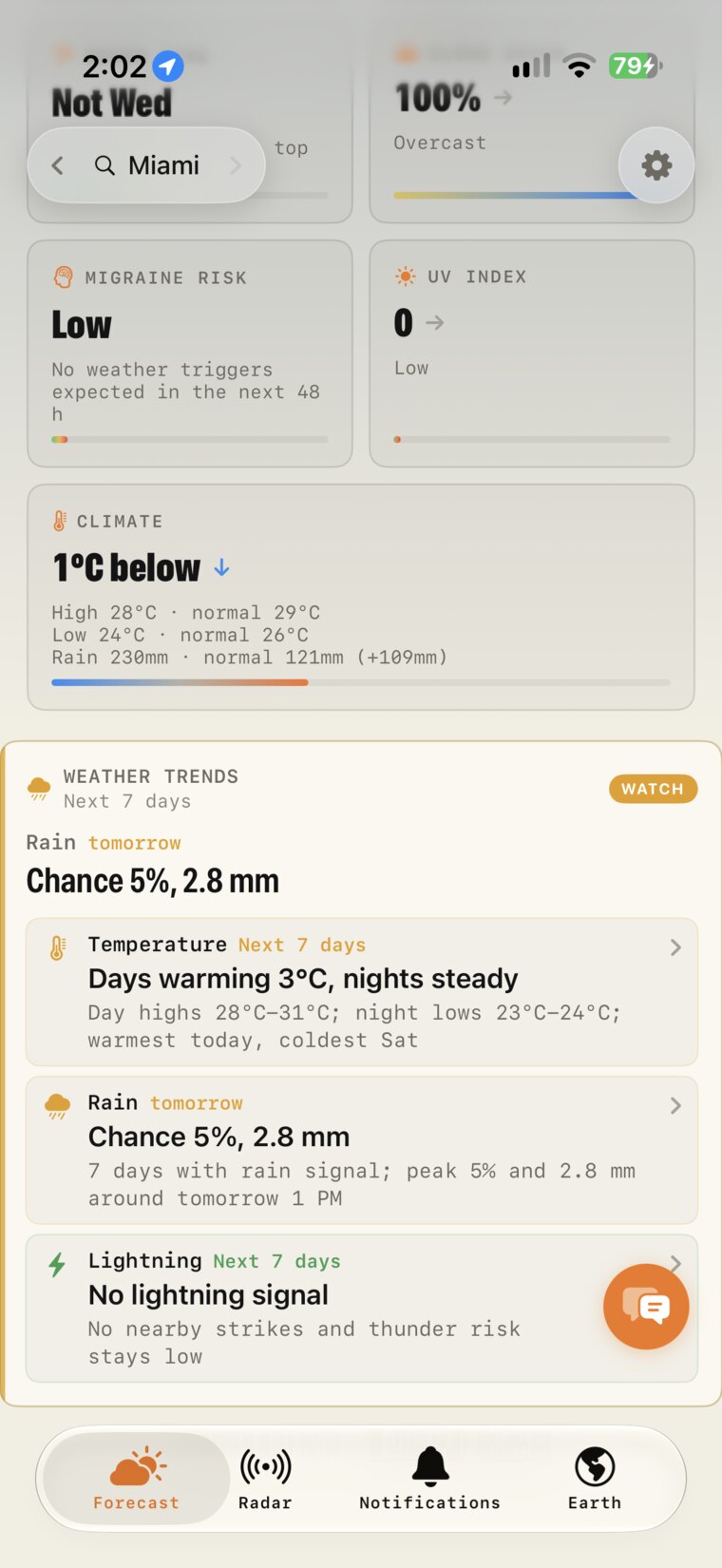
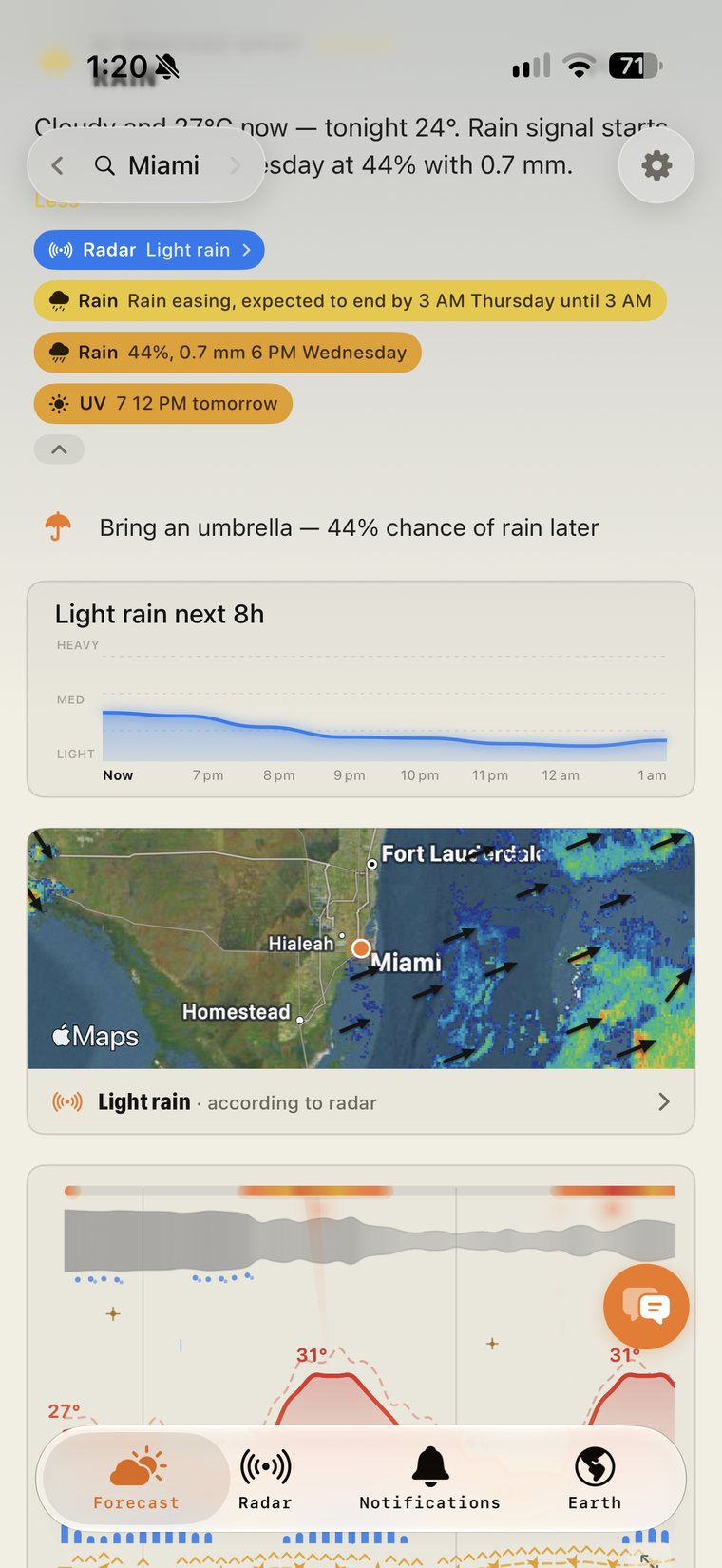
A live satellite Earth now sits on your Home Screen, the Radar tab follows the rain as it moves, and the forecast tells you when it starts and stops. Weather Chat, new Earth layers, 7-day metric graphs and detail timelines are all still one tap away.
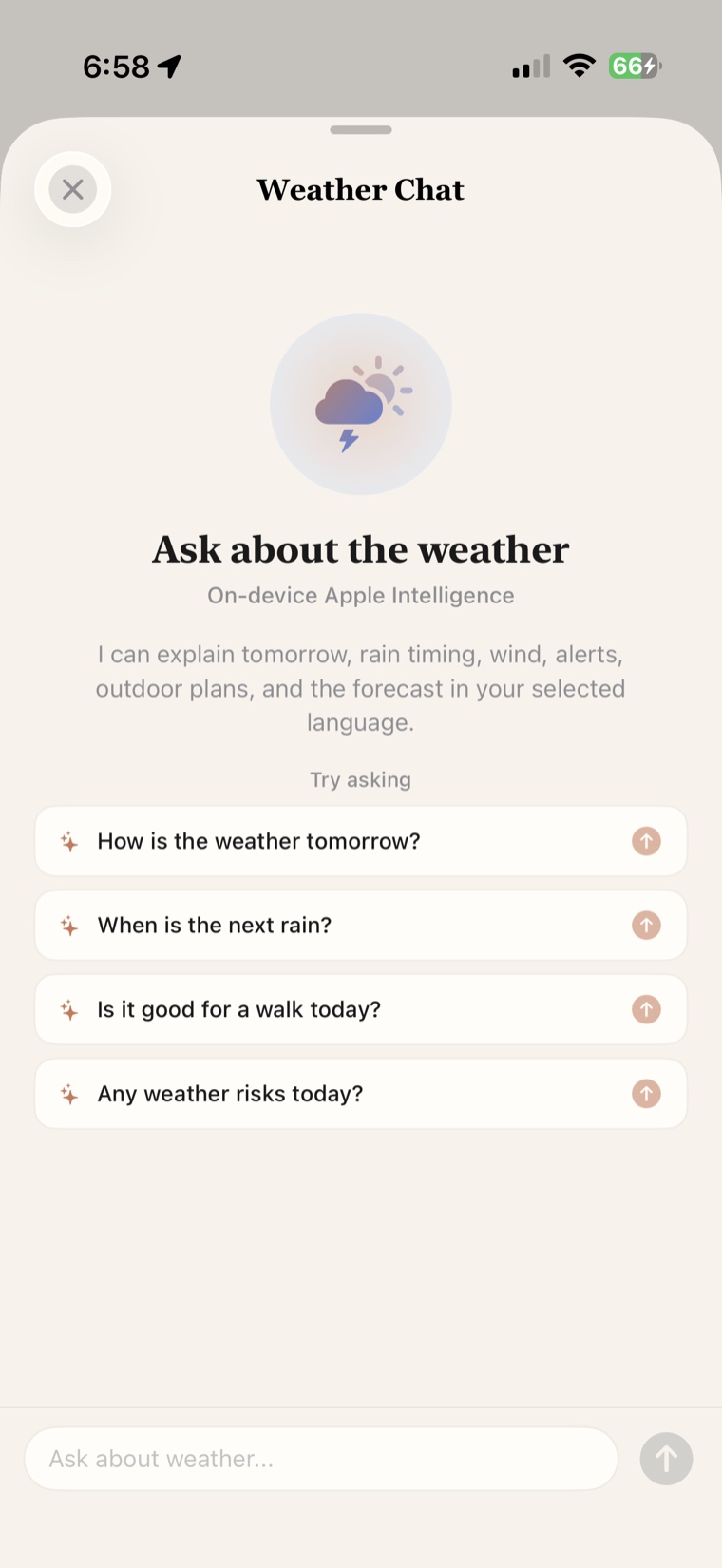
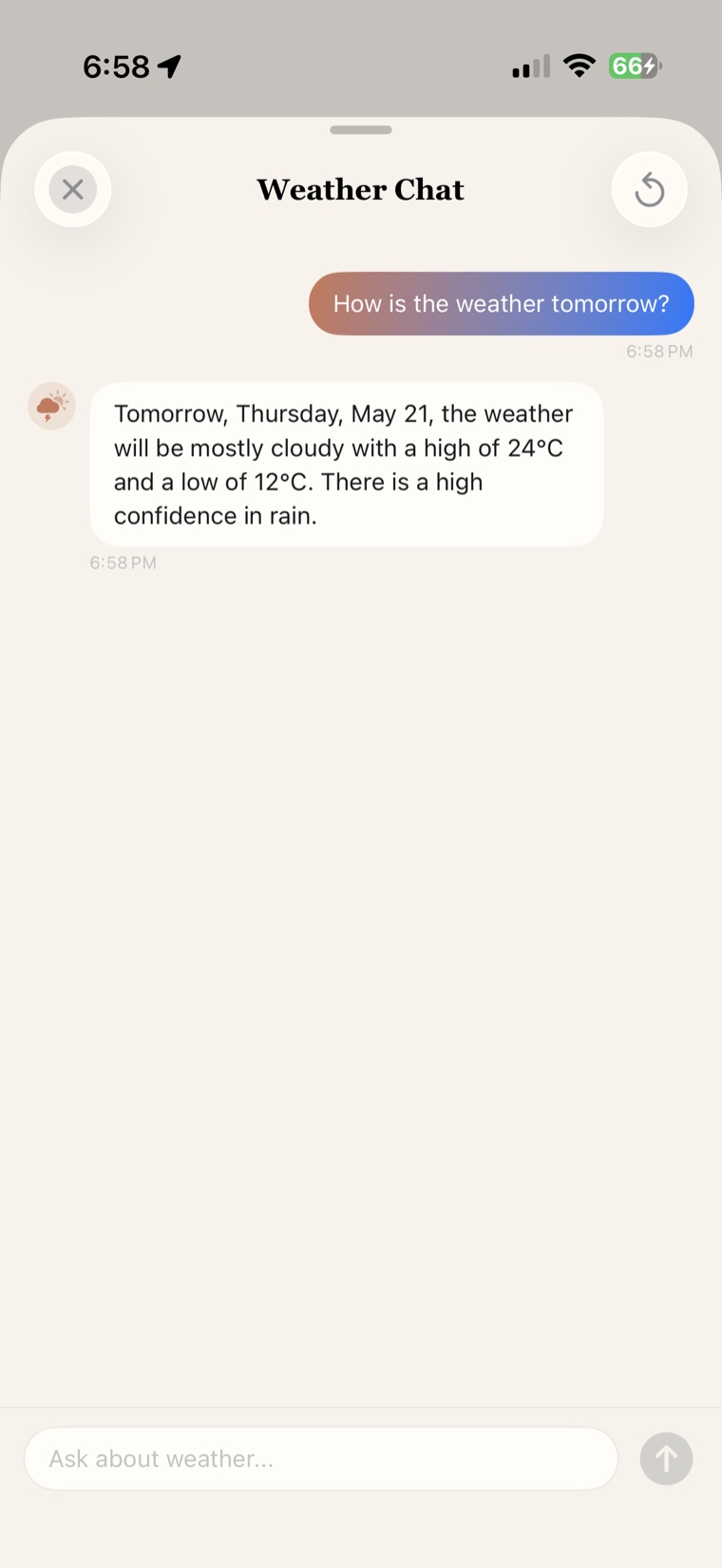
On-device Apple Intelligence can explain tomorrow, rain timing, wind, alerts, outdoor plans, and the forecast in your selected language.
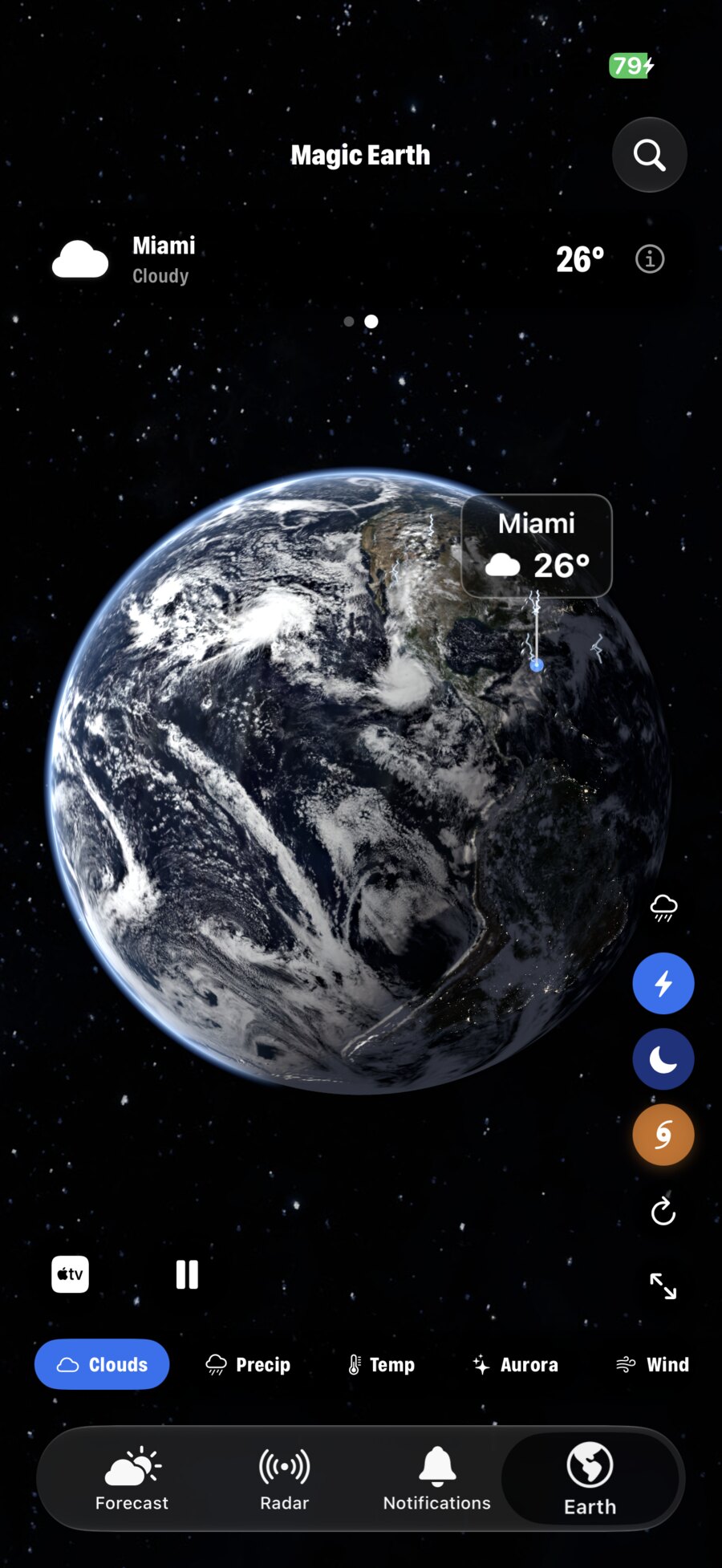
Eight live overlays on a photoreal 3-D Earth. Pinch from continents to your back garden, sample weather at a point, and switch from clouds to aurora, UV, ozone, wind, pressure and more.
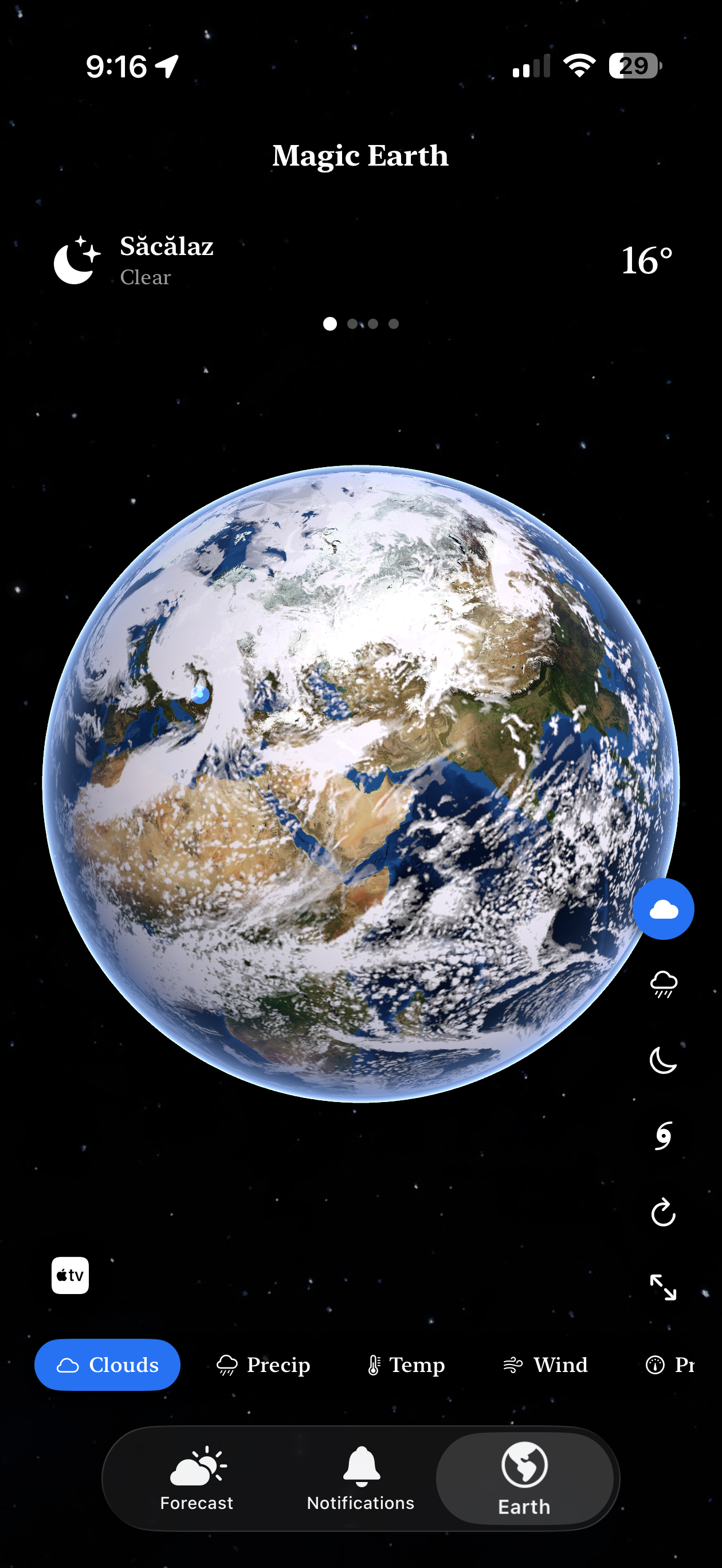
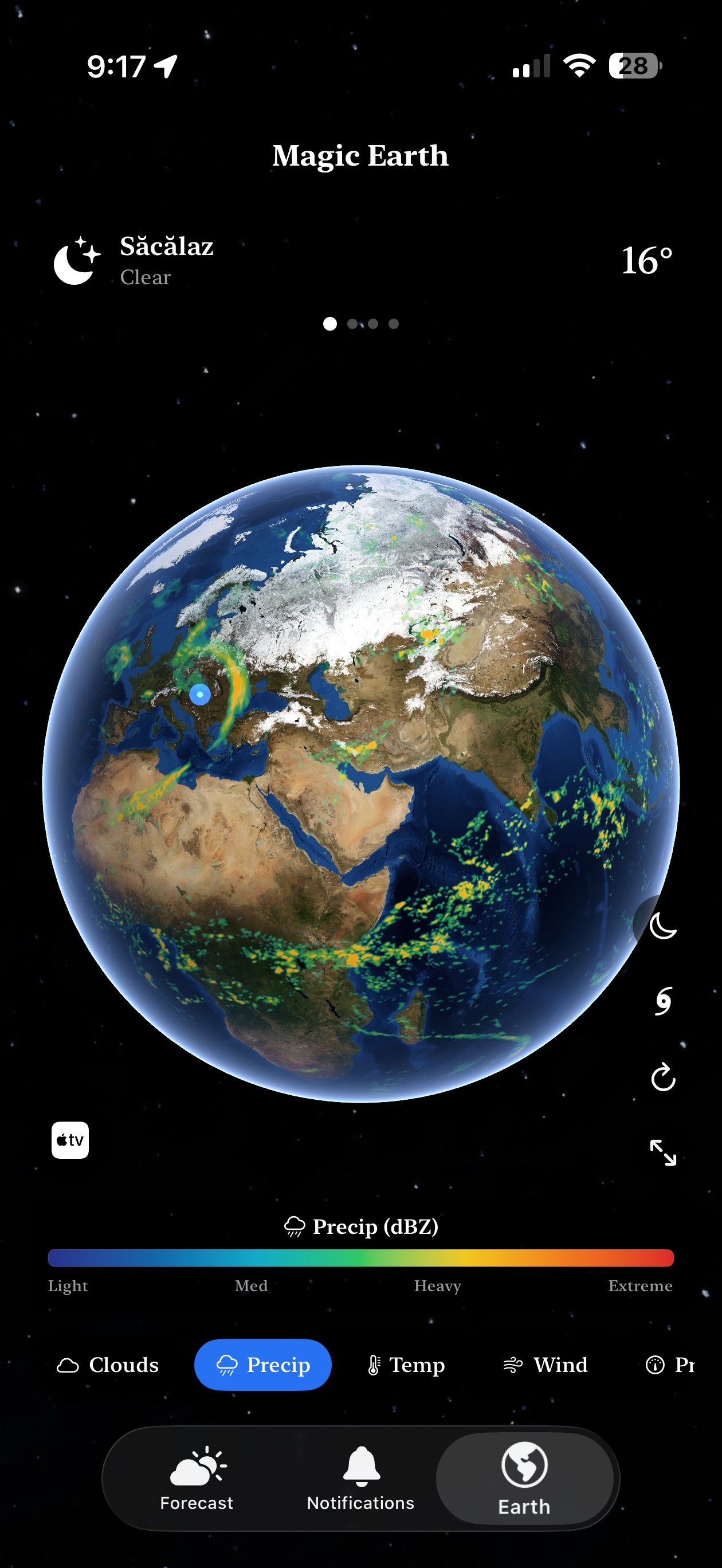
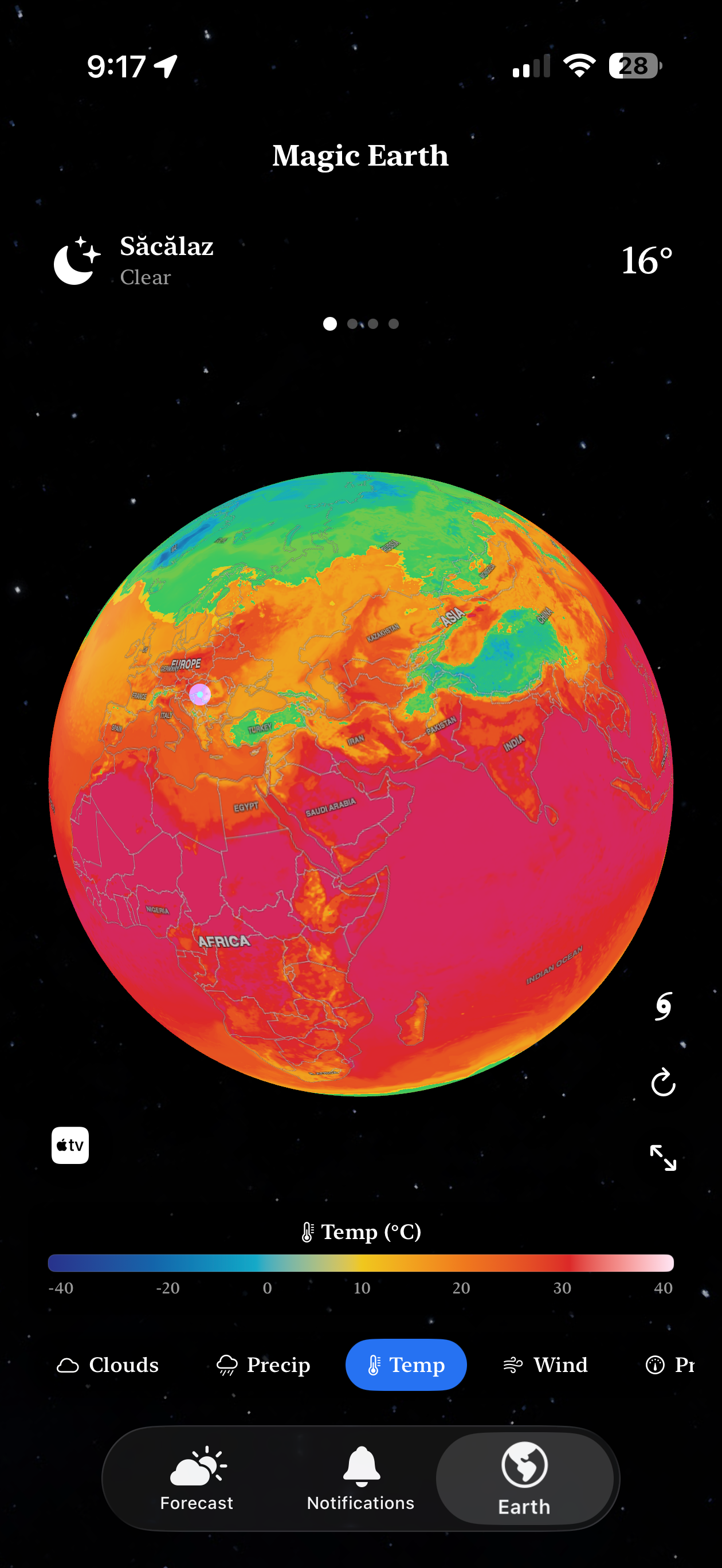
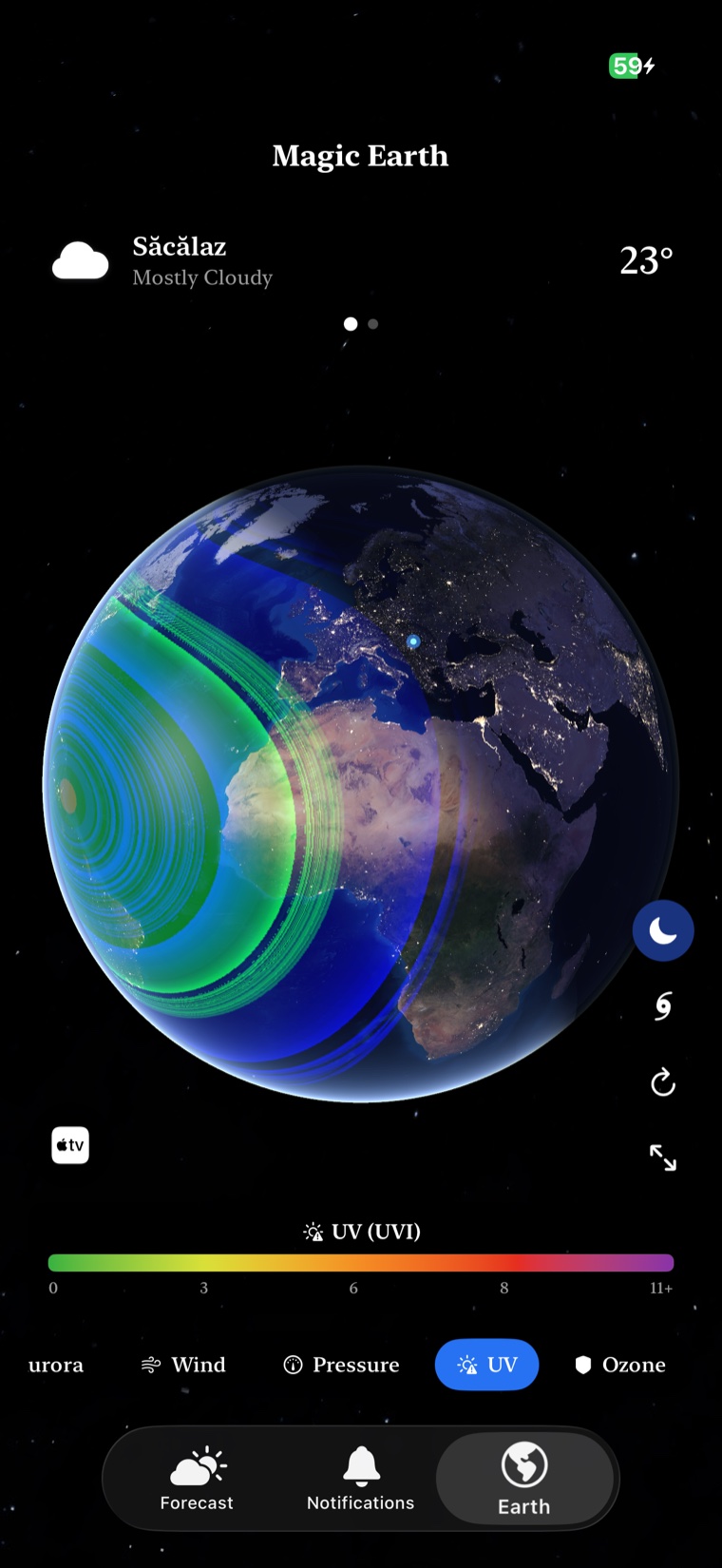
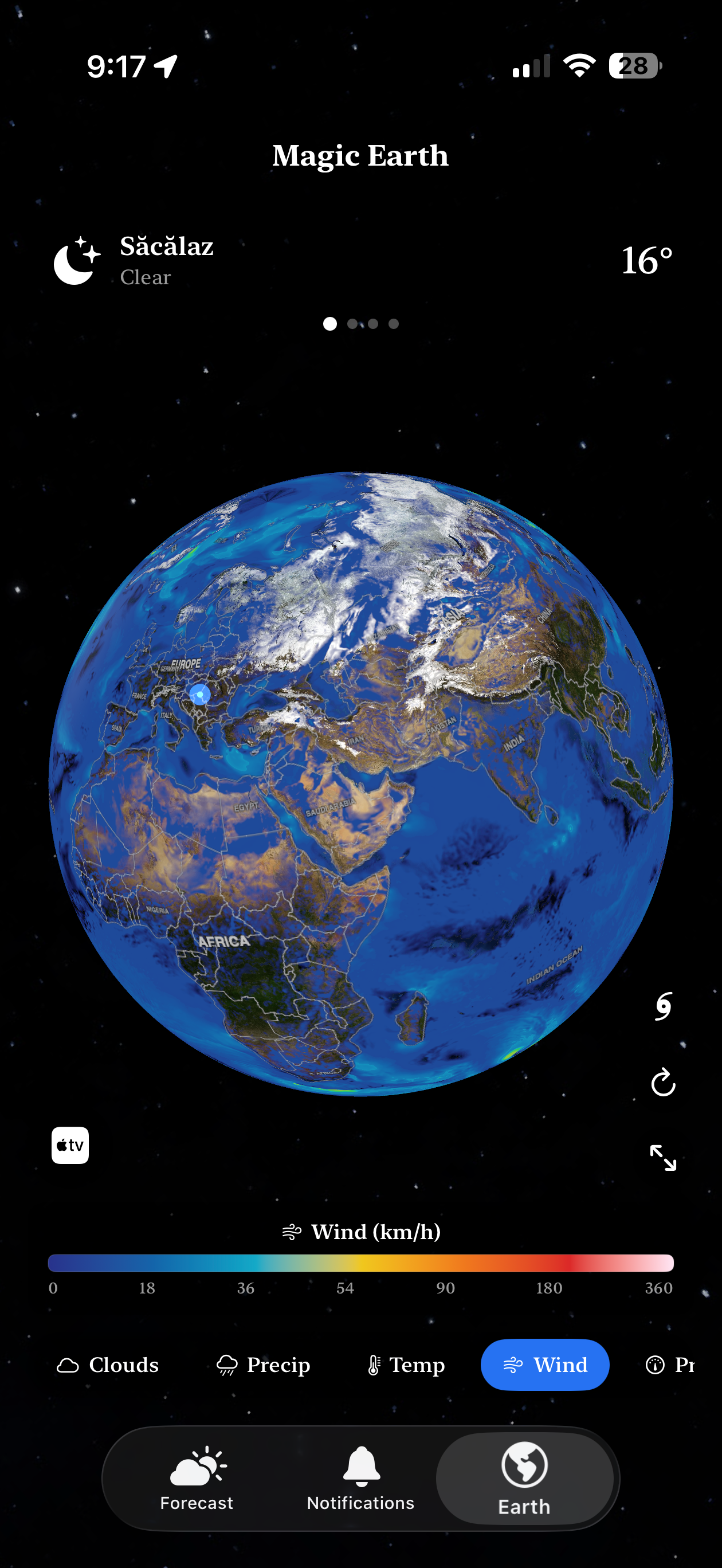
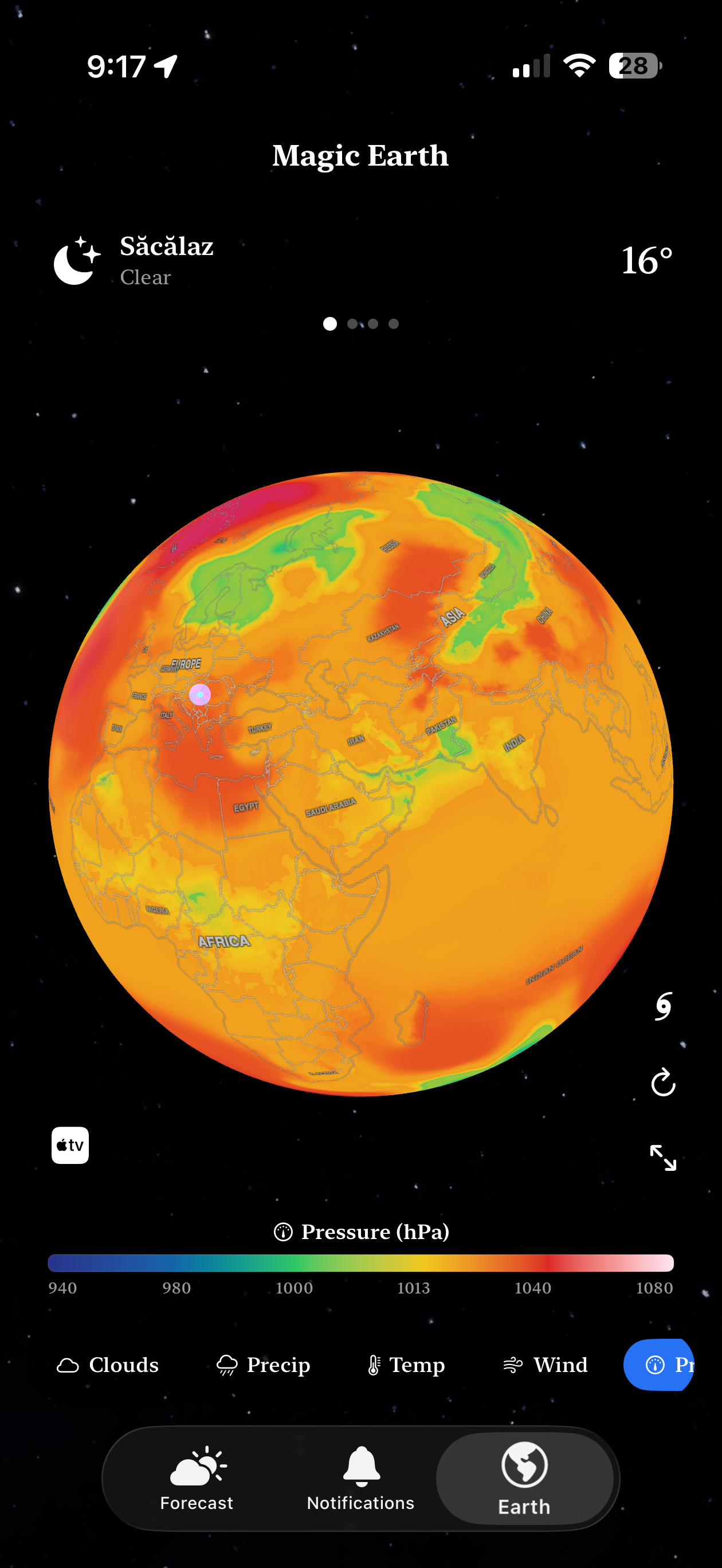
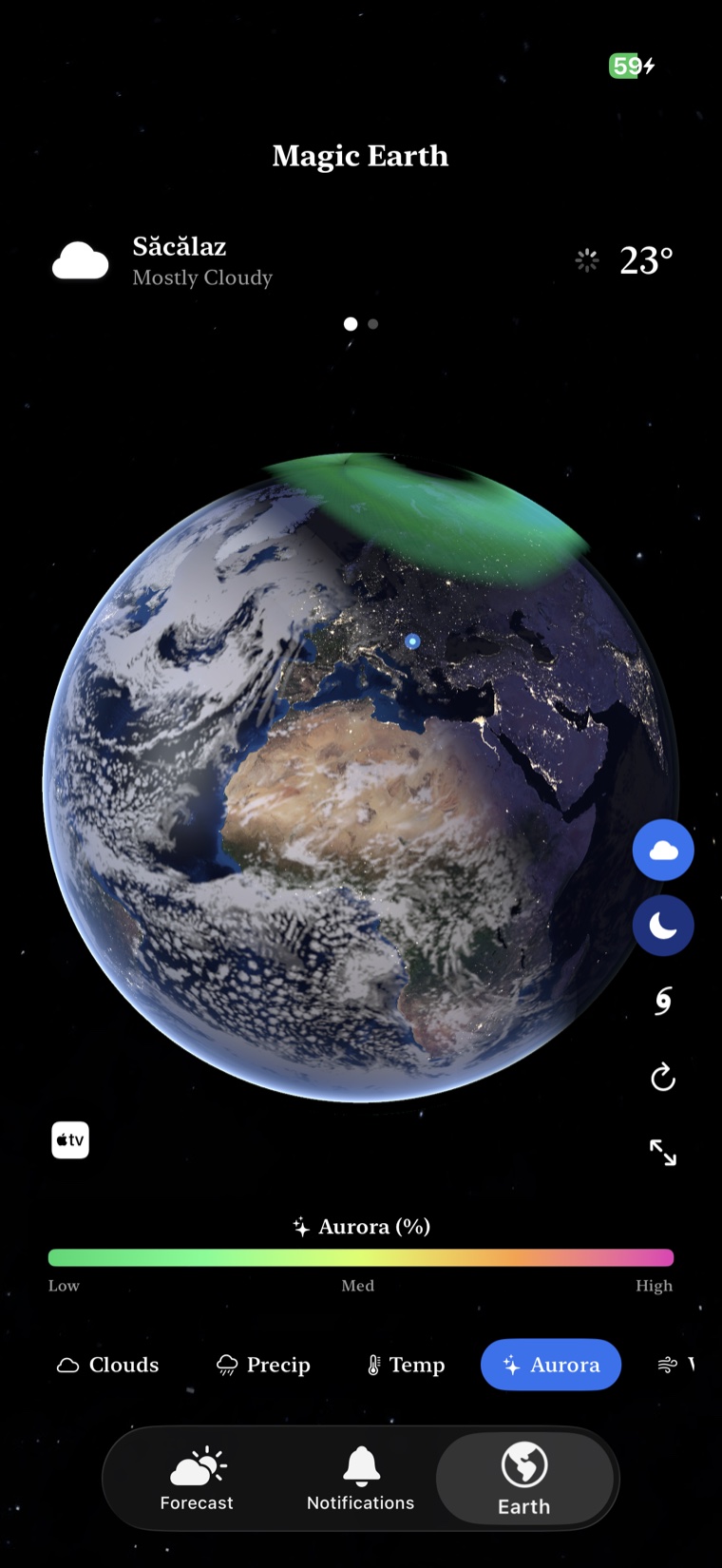
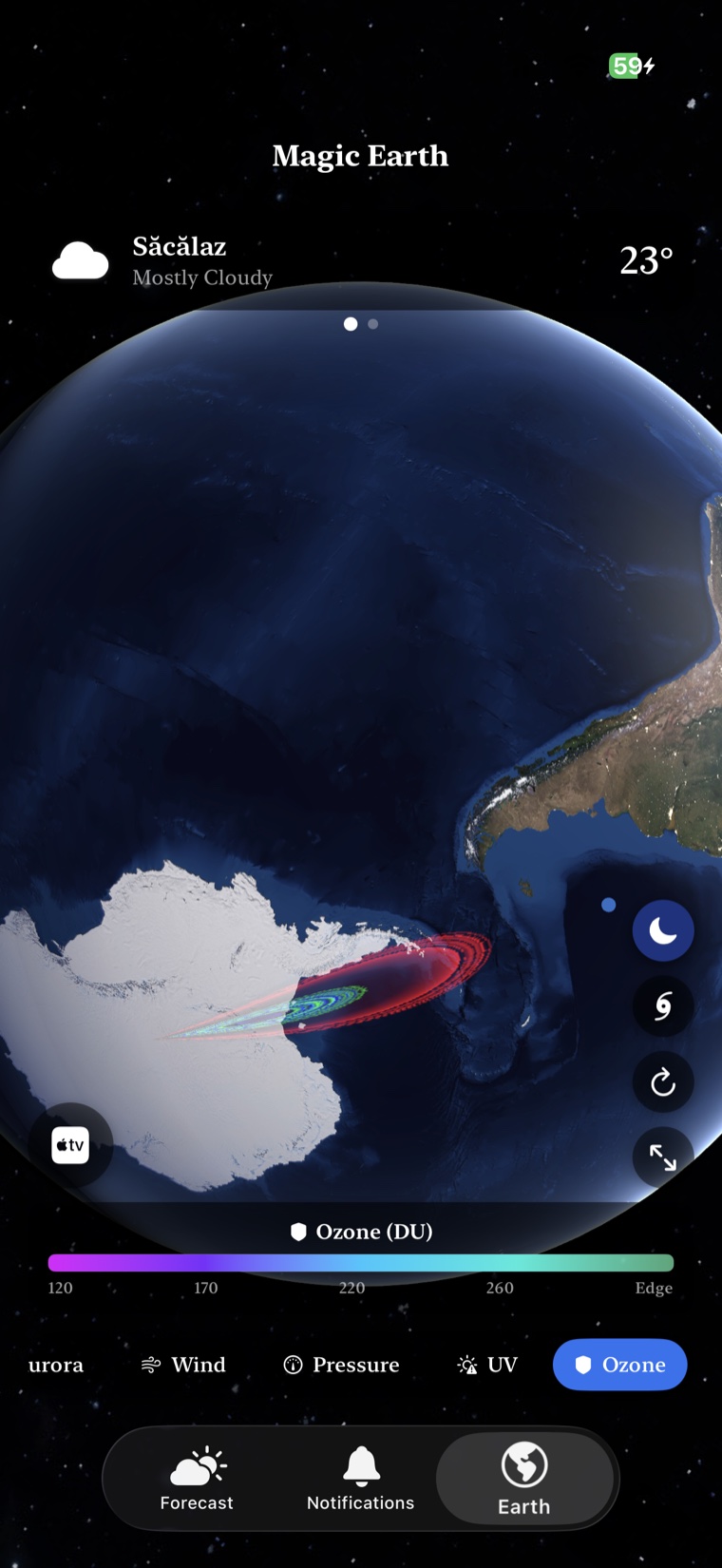
Photoreal satellite base map, bundled offline Earth fallback, weather overlays remapped in-app for legibility, and a procedural starfield with the real UTC sun position.
Spin past dawn and watch the city-light emission map fade in. The shadow gradient tracks the real sun position — not a fake clock.
One-finger pan with horizontal sensitivity 0.006 and inverted vertical 0.004. Release into 0.985 deceleration that decays smoothly into idle rotation.
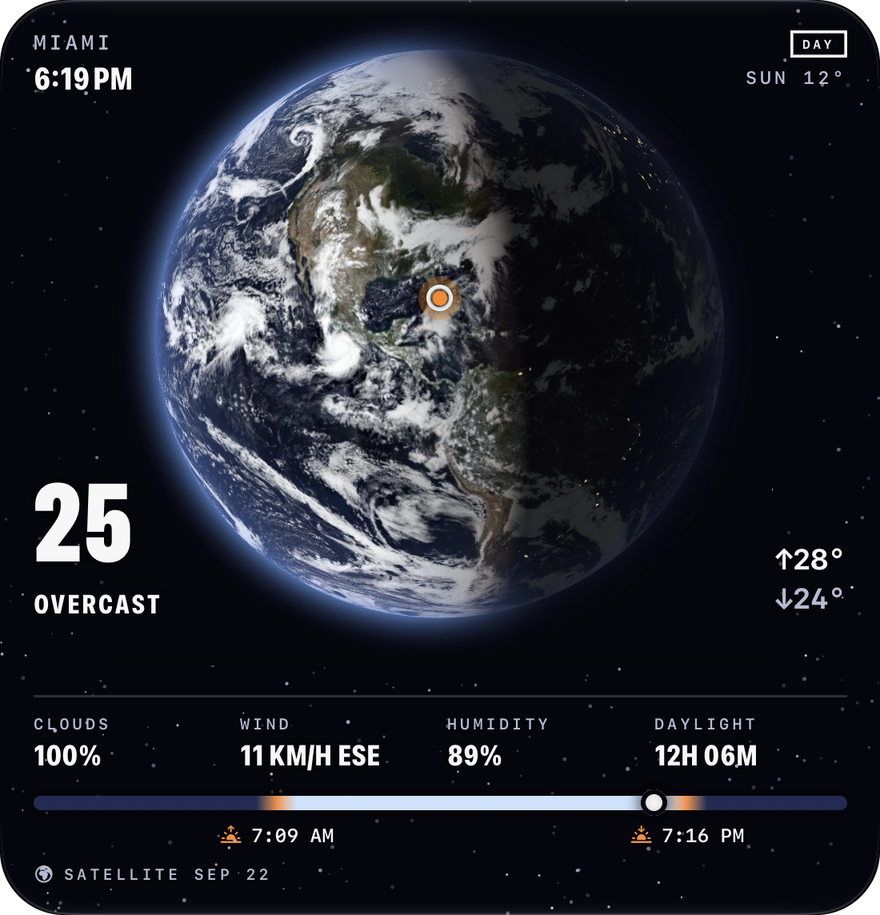
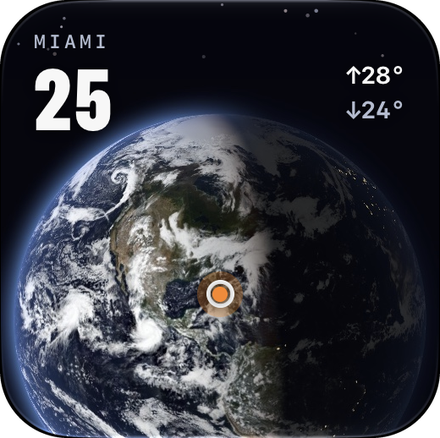
A live globe for the place you choose, with the same NASA satellite picture as Magic Earth, clouds and all, lit by the real Sun.
The terminator moves with the Sun and city lights glow on the night side. Or keep the whole globe in daylight.
NASA VIIRS true colour of the whole planet, the same picture as the app, refreshed every day.
Auto, My Location or a saved city. The large size adds the local clock, sunrise, sunset and daylight.
Circular and Smart Stack complications carry the same globe to Apple Watch.
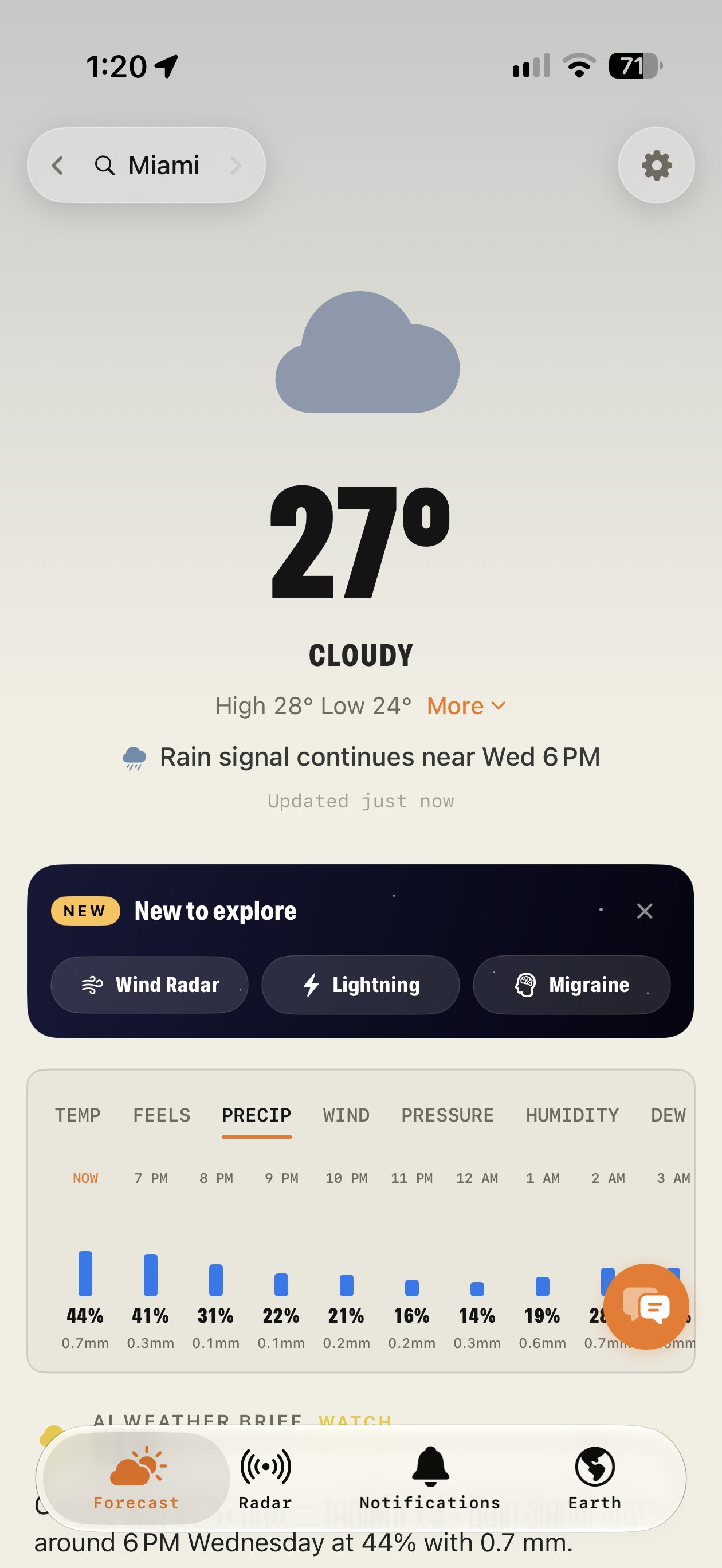
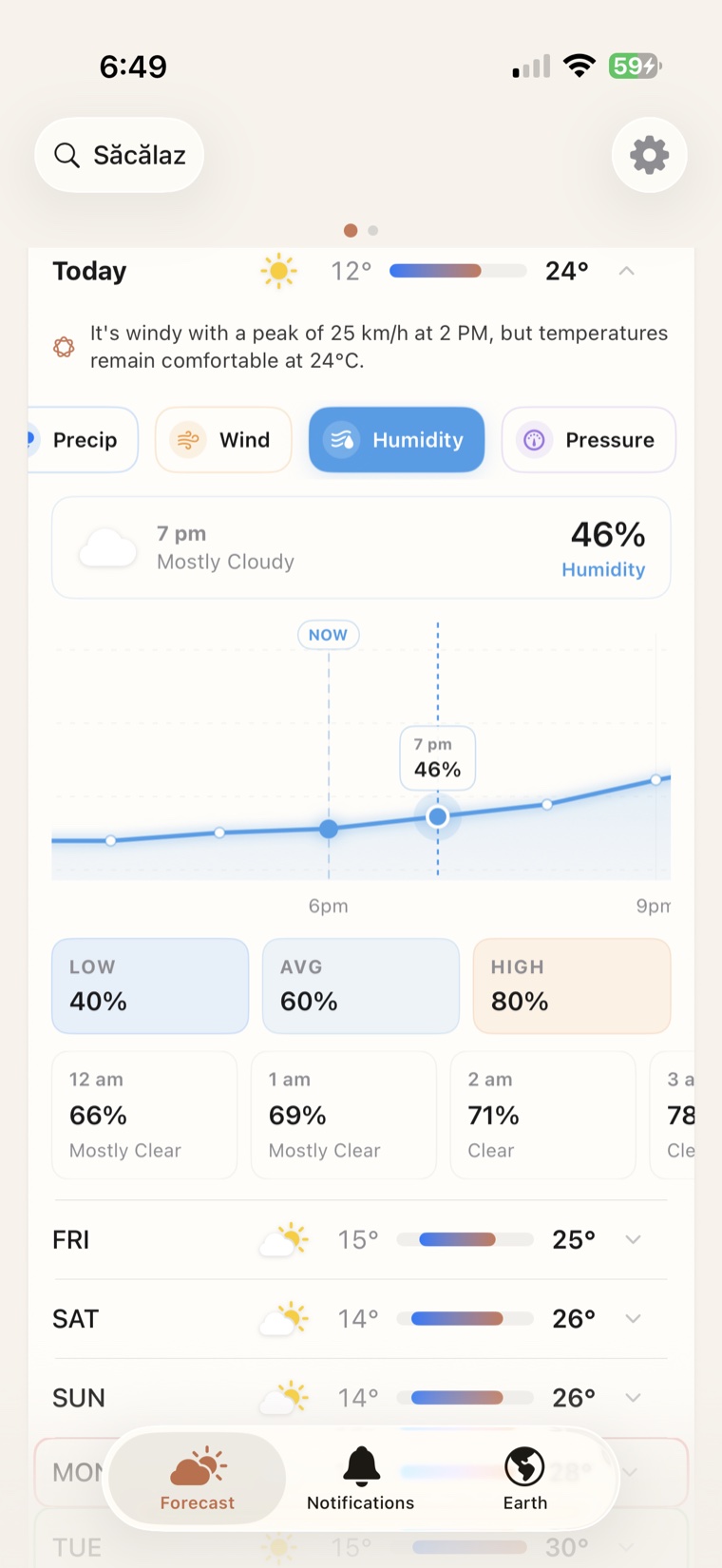
Editorial typography. Real meteorology. A 7-day overview where every day can expand into a metric graph, detail cards that open their own timelines, and an AI weather-analysis card that tells you what the numbers actually mean.
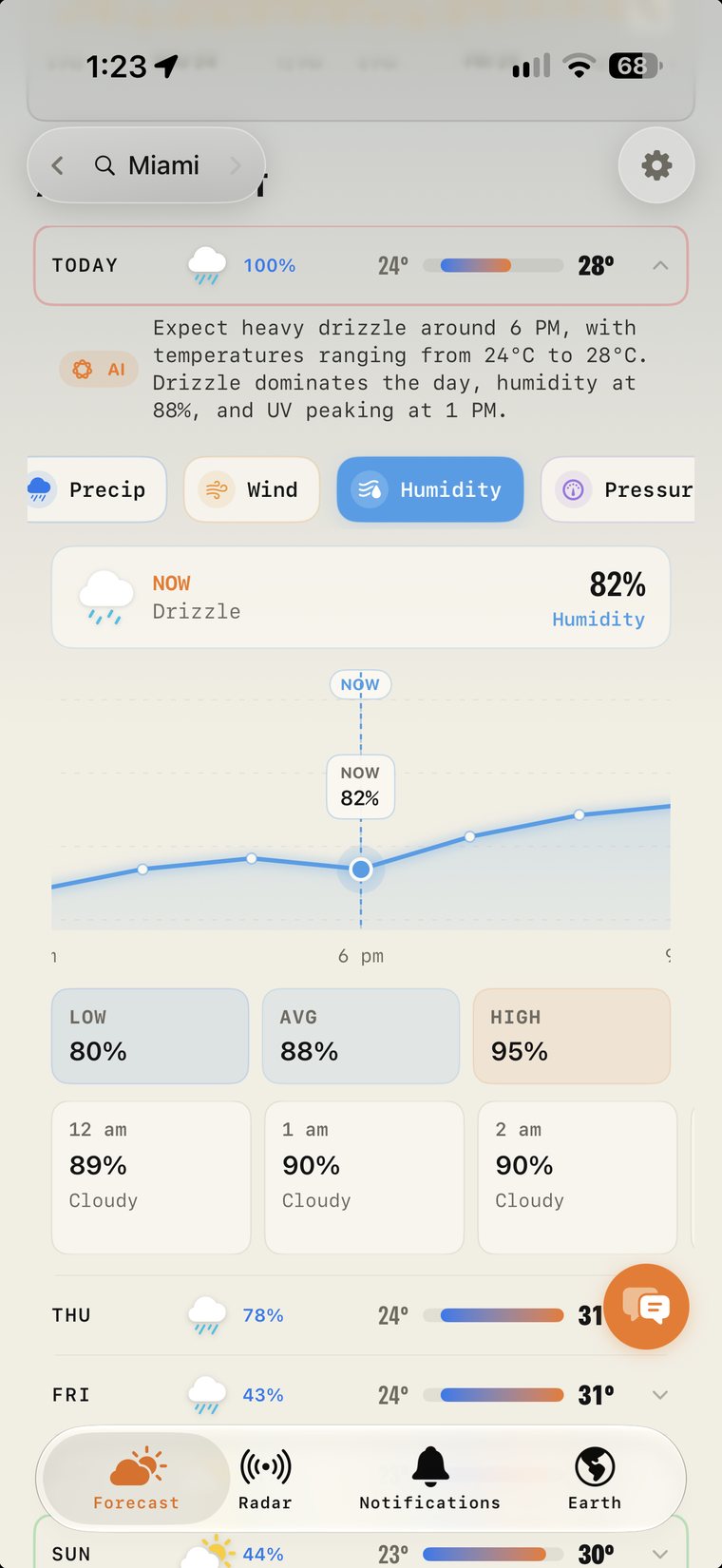
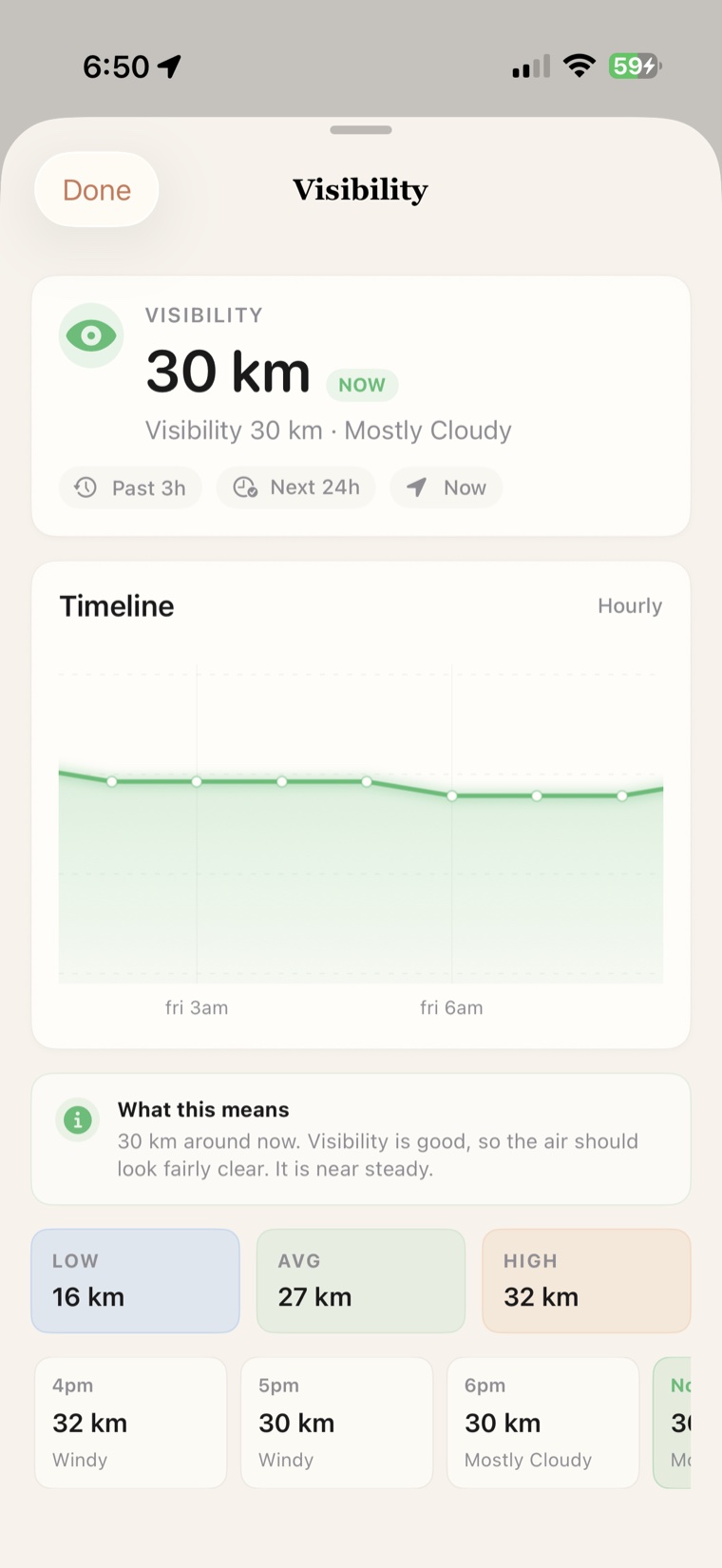
Expand any day in the 7-day forecast and switch between Temp, Feels Like, Rain %, Precip, Wind, Humidity, and Pressure. Detail cards now open matching timeline sheets, so visibility, pressure, dew point, comfort and more can be read as trends instead of single values.
The app code exposes seven daily graph metrics and thirteen reorderable detail widgets, with Wind kept as the fixed compass card.
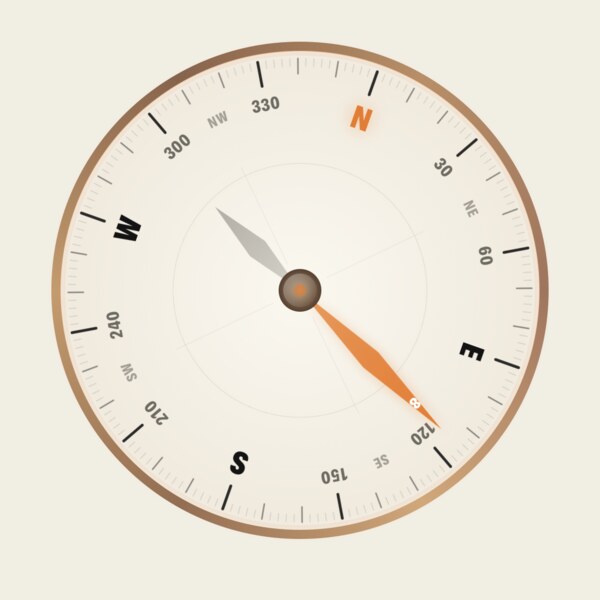
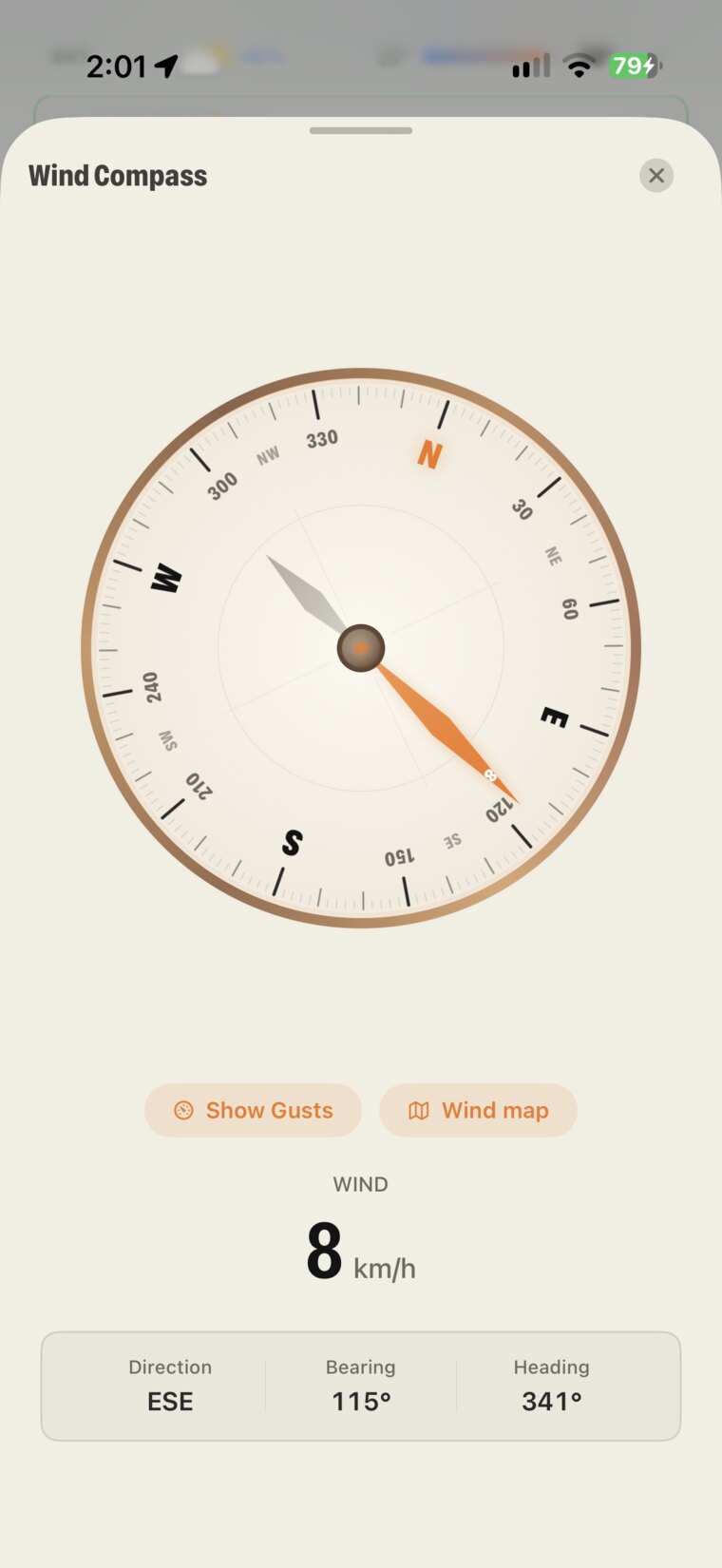
A real instrument, not a number. The needle tracks live direction, the dial shows compass bearing, and a "Show Gusts" pill exposes gust speed and rolling deviation when conditions get spicy.
Tap from the Wind detail card to enter the full-screen compass.
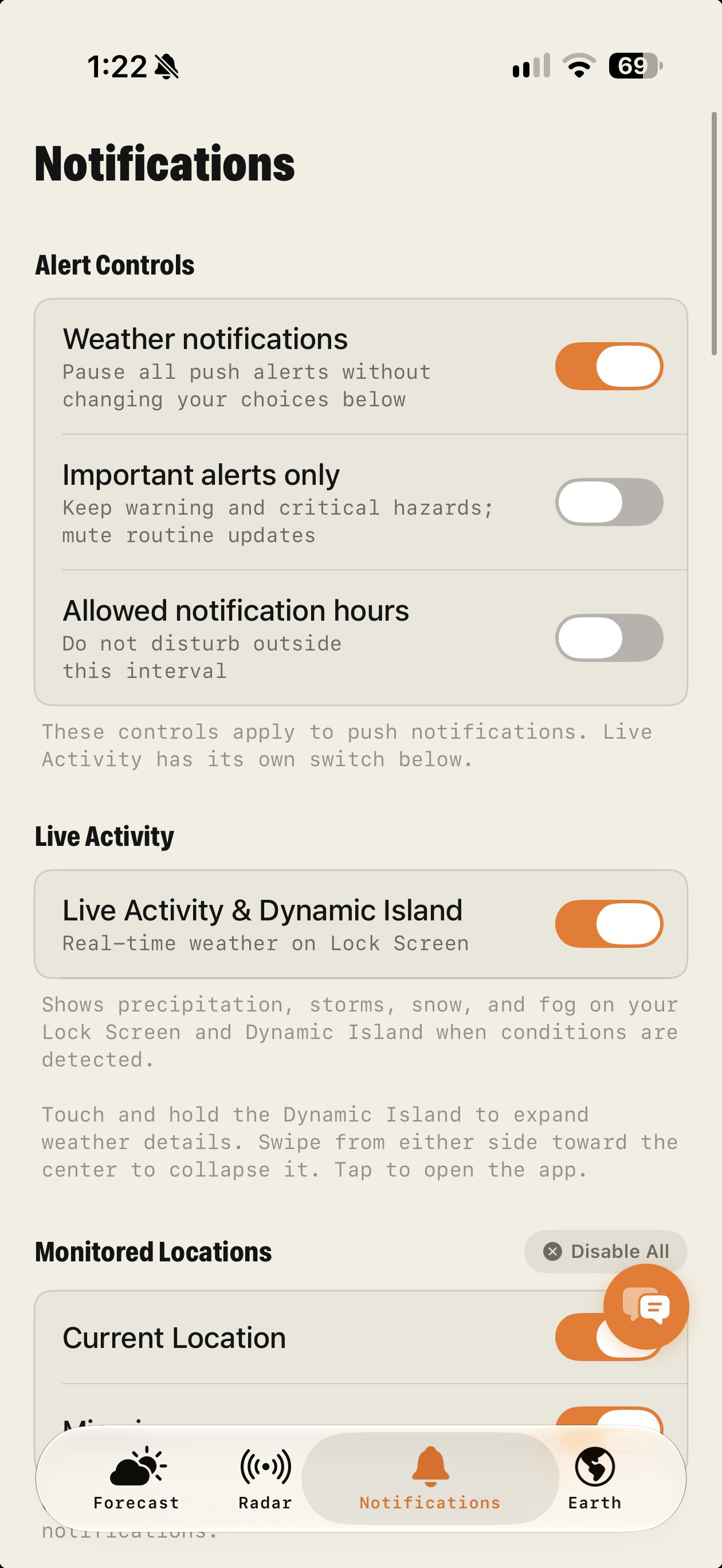
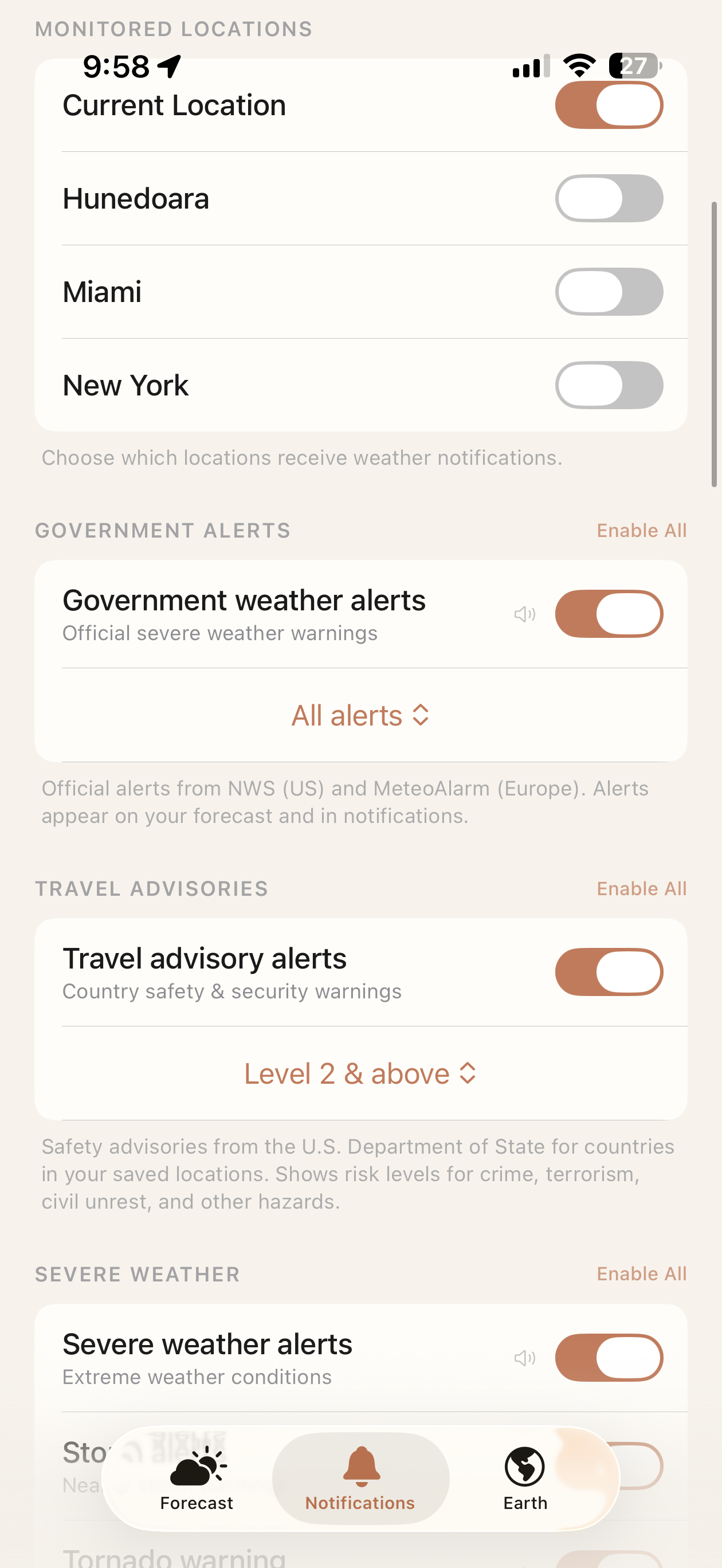
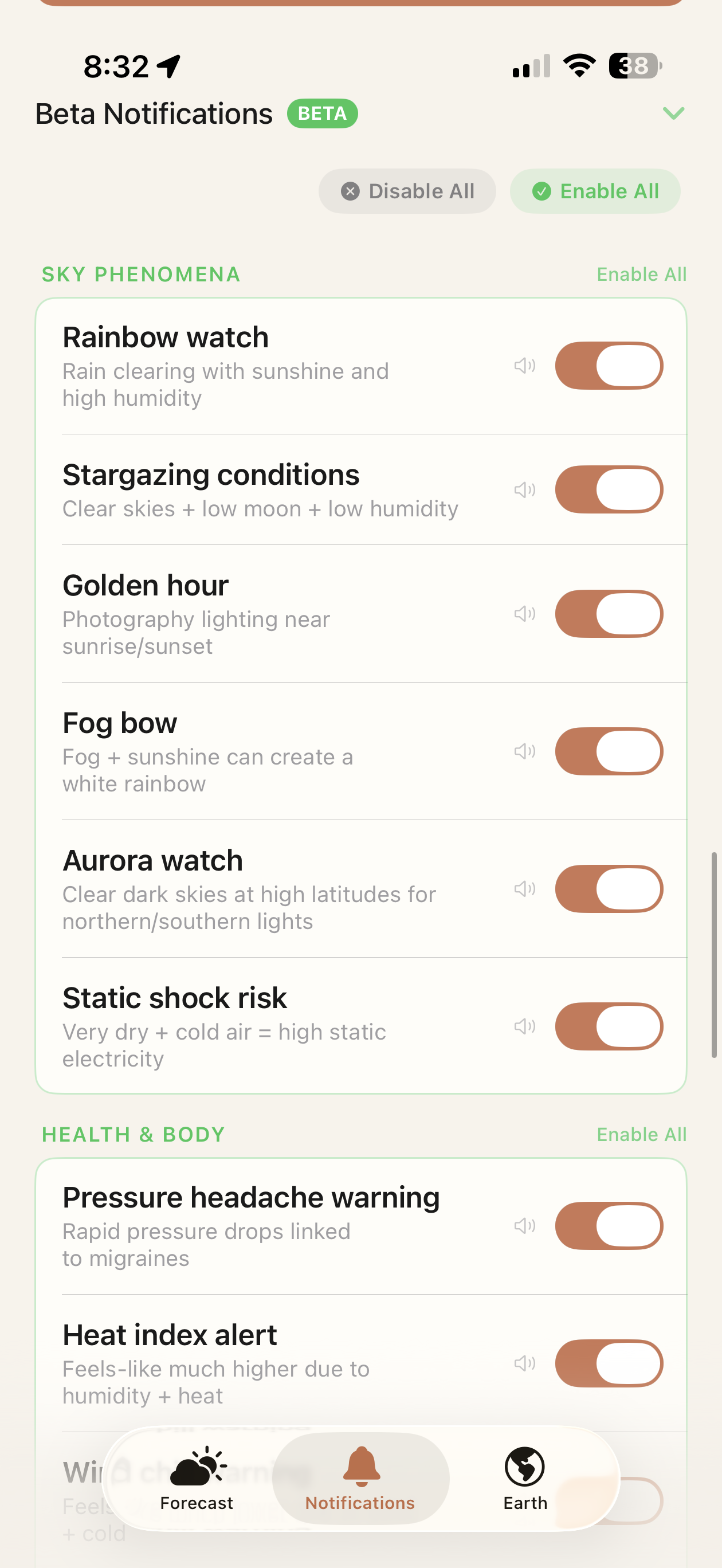
Magic Weather watches the atmosphere for you — from official tornado warnings and severe-weather feeds, real-time global lightning strikes, tropical-cyclone tracks and country-level travel advisories, all the way down to the rainbow that's about to appear when the rain stops.
Want to know when humidity stays above 80% for 4 hours? Or when wind gusts breach 50 km/h overnight? Build a rule from 15 metrics with thresholds, durations and time windows.
Whichever Apple thing you reach for, the planet's already spinning.
Full Magic Earth, smart alerts, AI analysis, widgets & Live Activity on the Lock Screen.
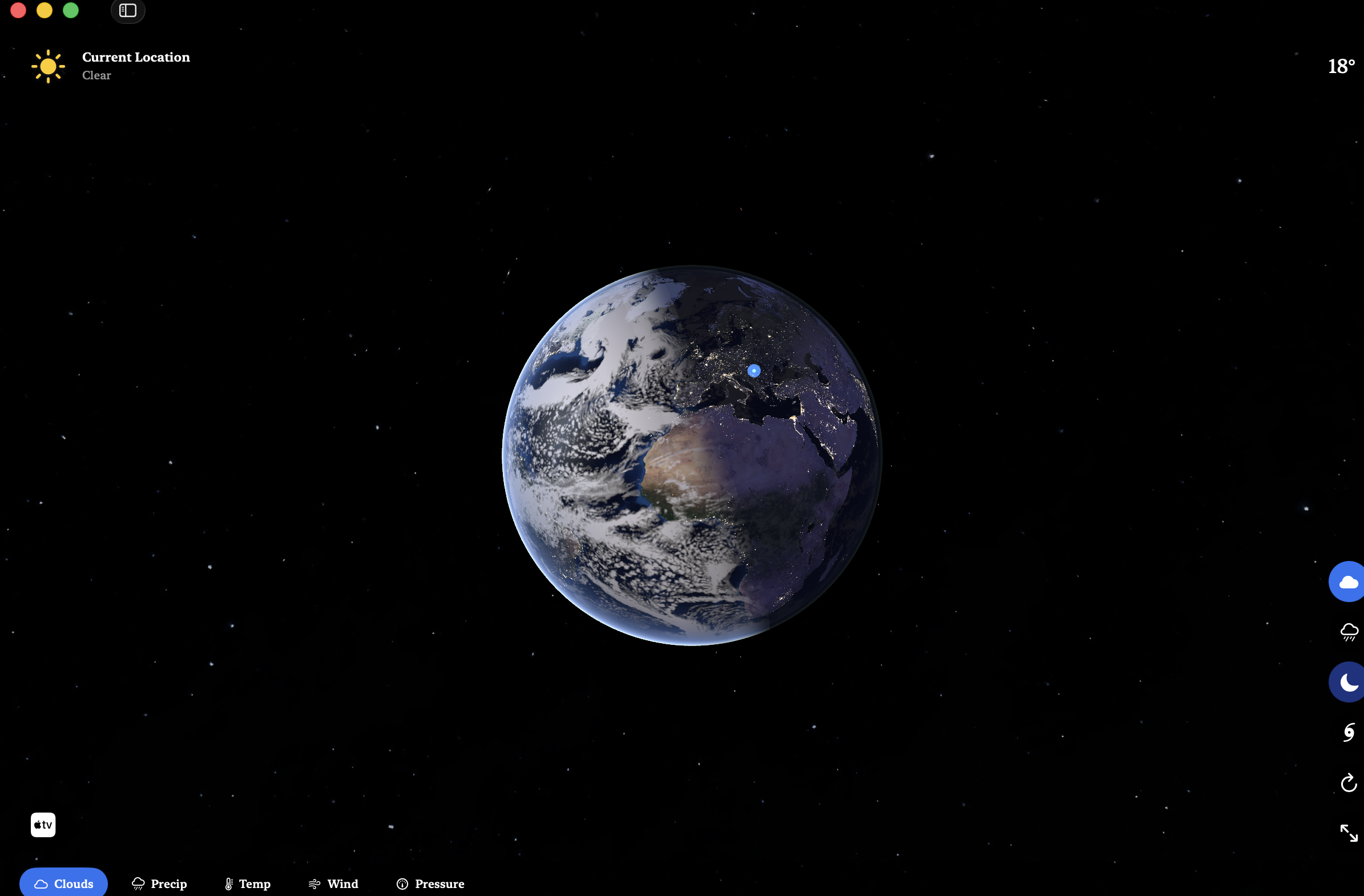
Big-window mode and a quick-glance menu-bar app — temp & conditions always one look away.
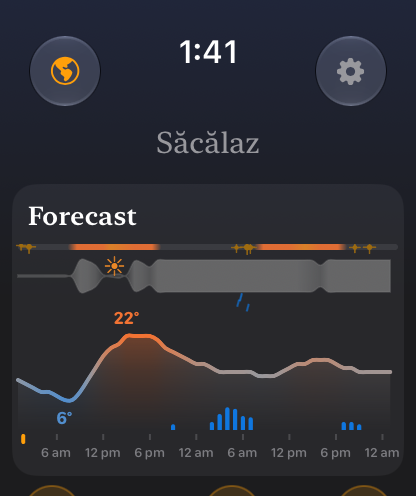
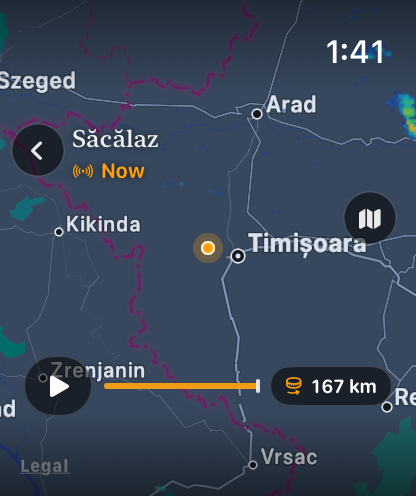
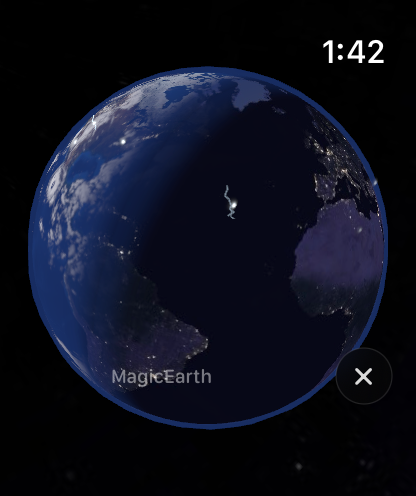
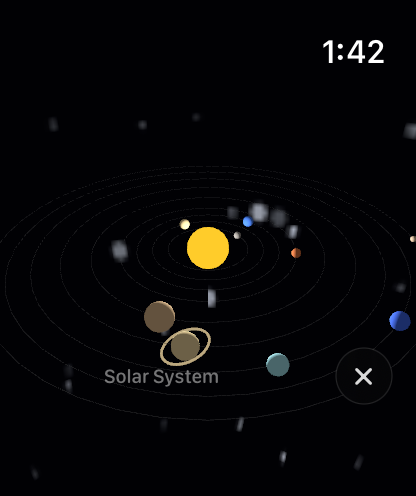
Current conditions, the forecast graph, live rain radar, Magic Earth and an Earth complication for your watch face, all on your wrist.
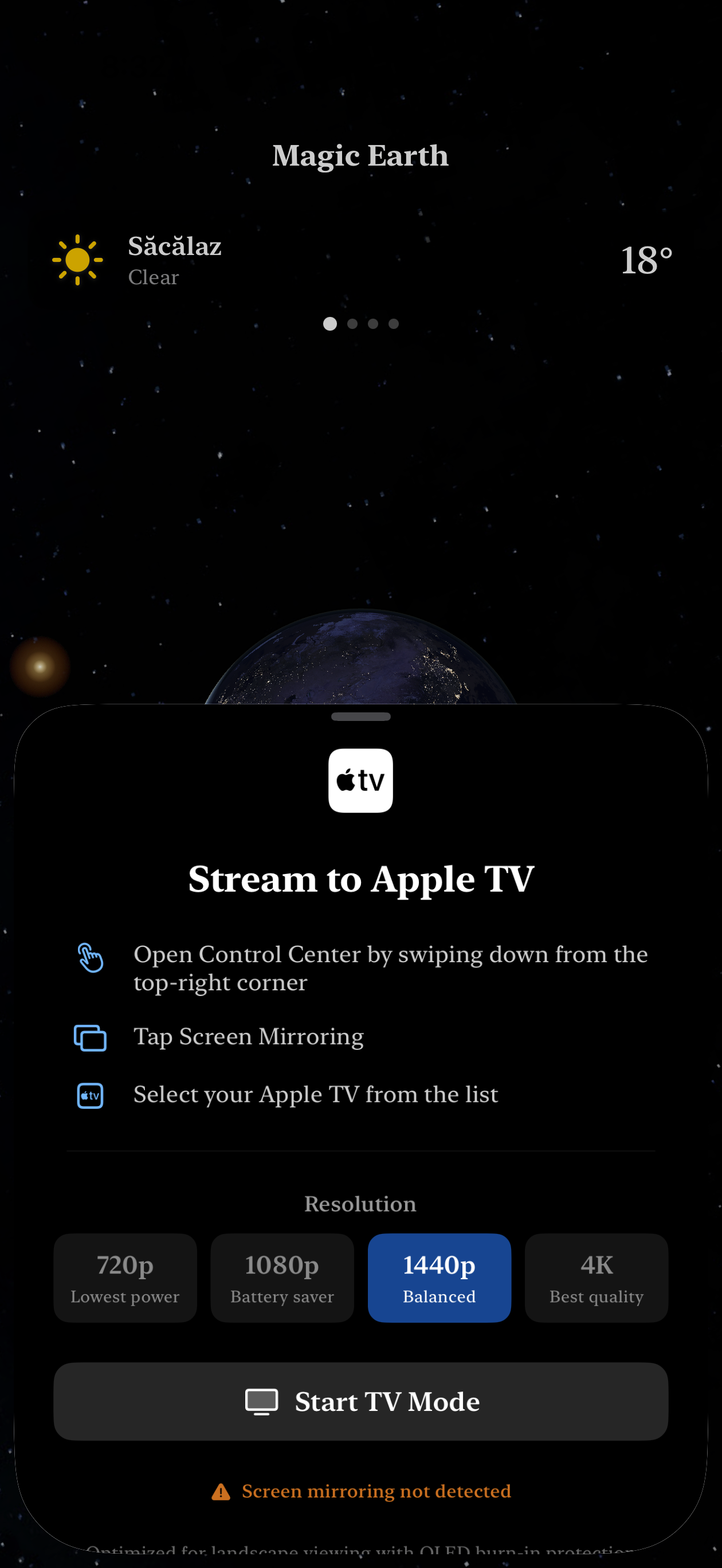
Stream the planet to your living room in up to 4K. A living screensaver with real weather, live.
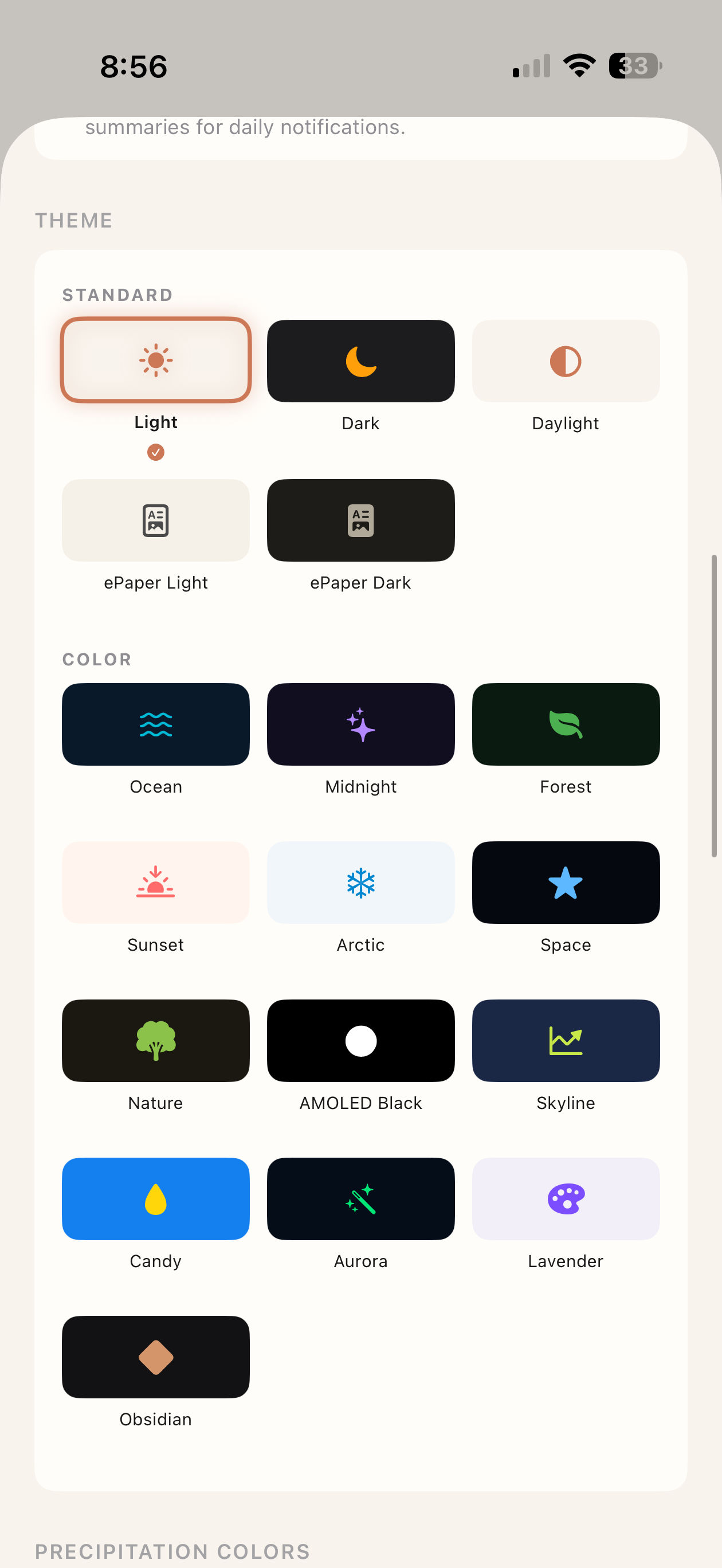
Light, dark, ePaper, Daylight, AMOLED, Aurora, Lavender, Skyline. Match the weather. Match your mood. Match your home screen.
Five standard palettes (Light, Dark, Daylight, ePaper Light & Dark) plus thirteen colour worlds — Ocean, Midnight, Forest, Sunset, Arctic, Space, Nature, AMOLED Black, Skyline, Candy, Aurora, Lavender, Obsidian.
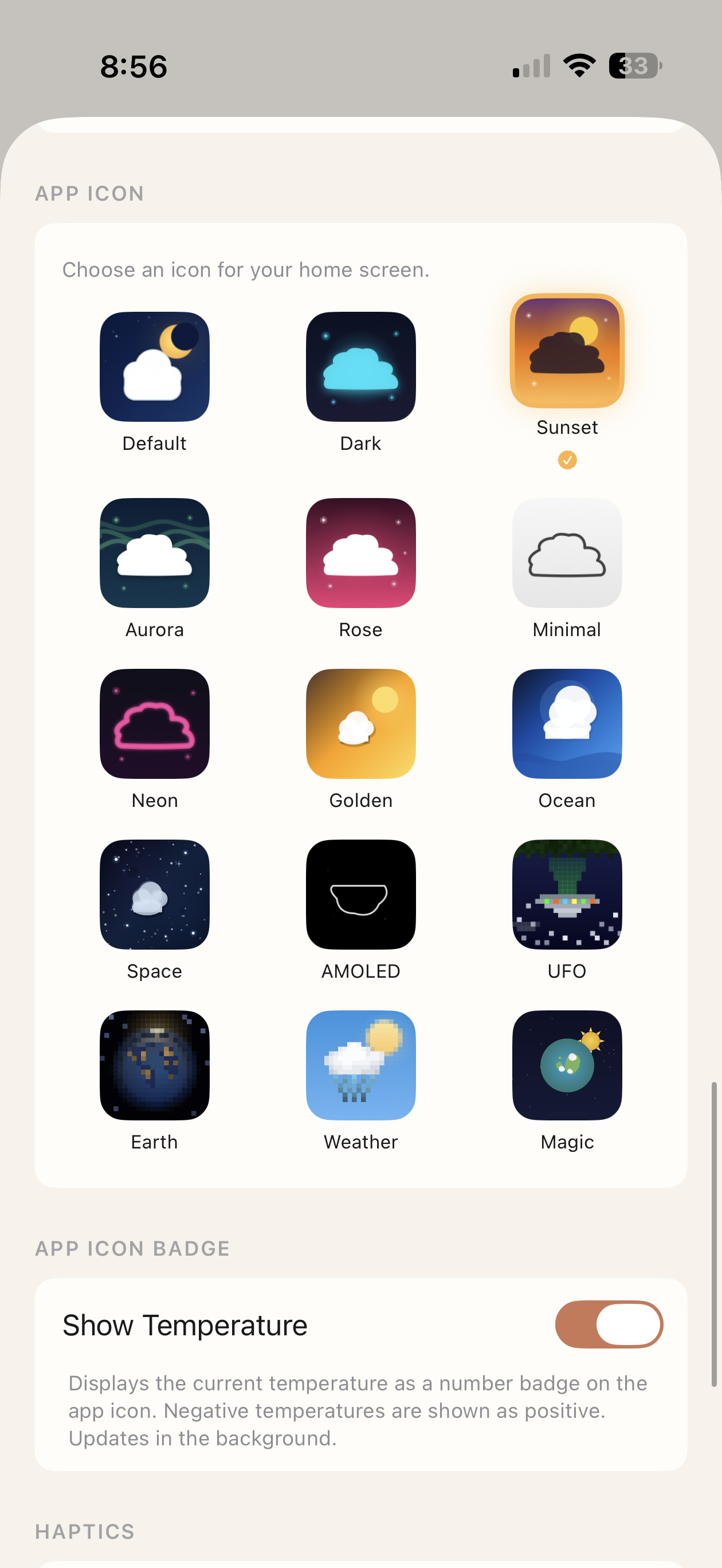
Default, Dark, Sunset, Aurora, Rose, Minimal, Neon, Golden, Ocean, Space, AMOLED, UFO, Earth, Weather and Magic. Plus an optional live temperature badge.
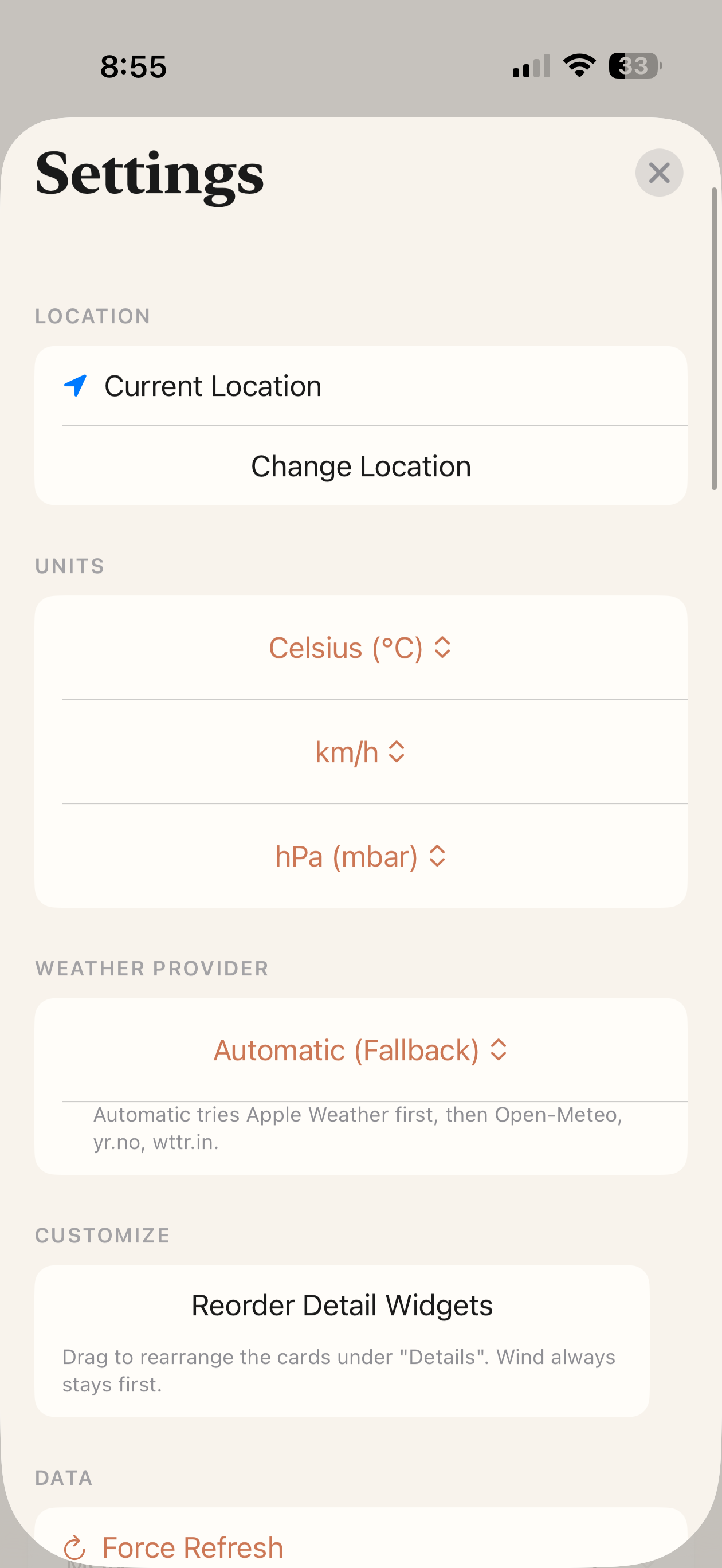
Pick from five forecast engines — including Apple's native one — or let the app fall back through the chain on its own. Drag the detail cards into the order you actually read them in.
Every screen — Right Now, Details, Forecast, even the Globe overlay tints — picks up the active theme. Try Skyline blue.
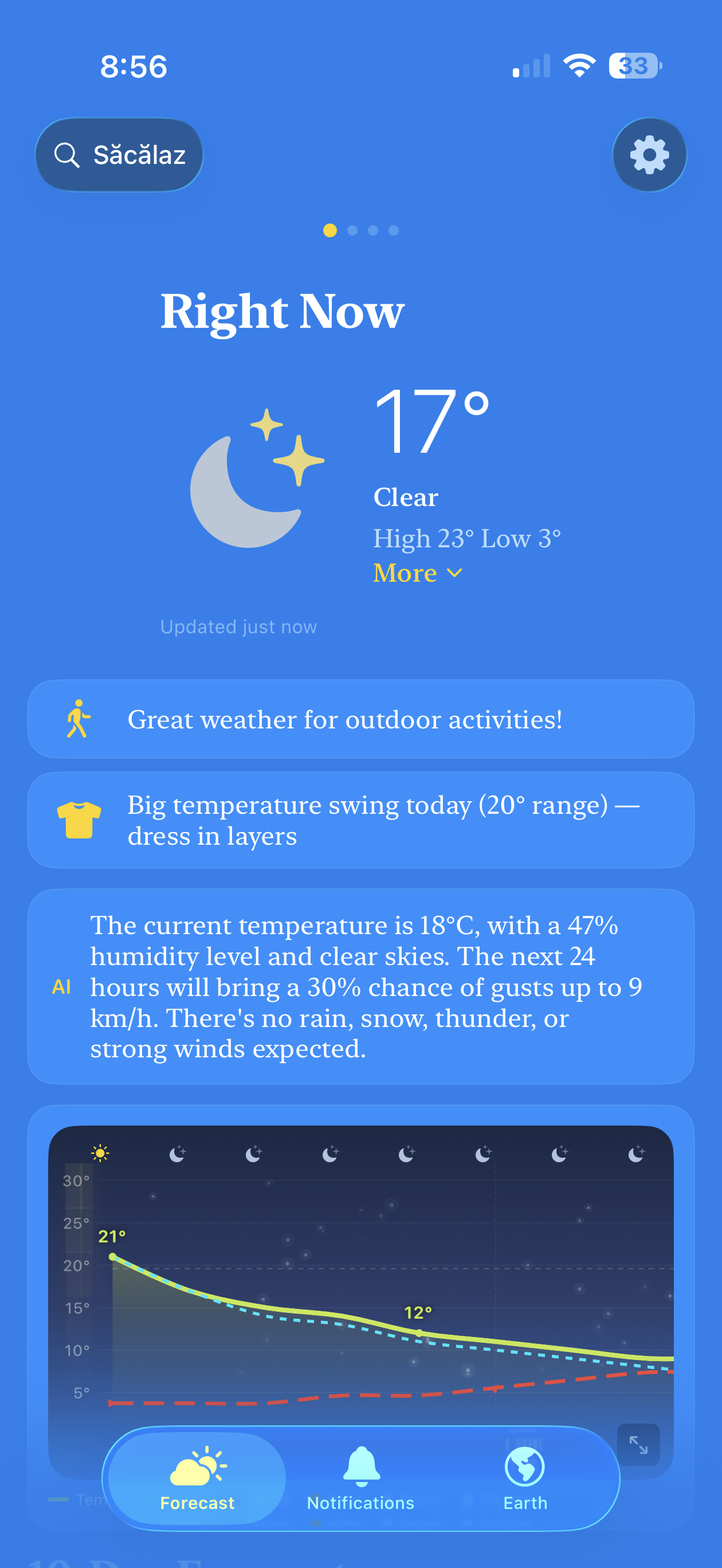
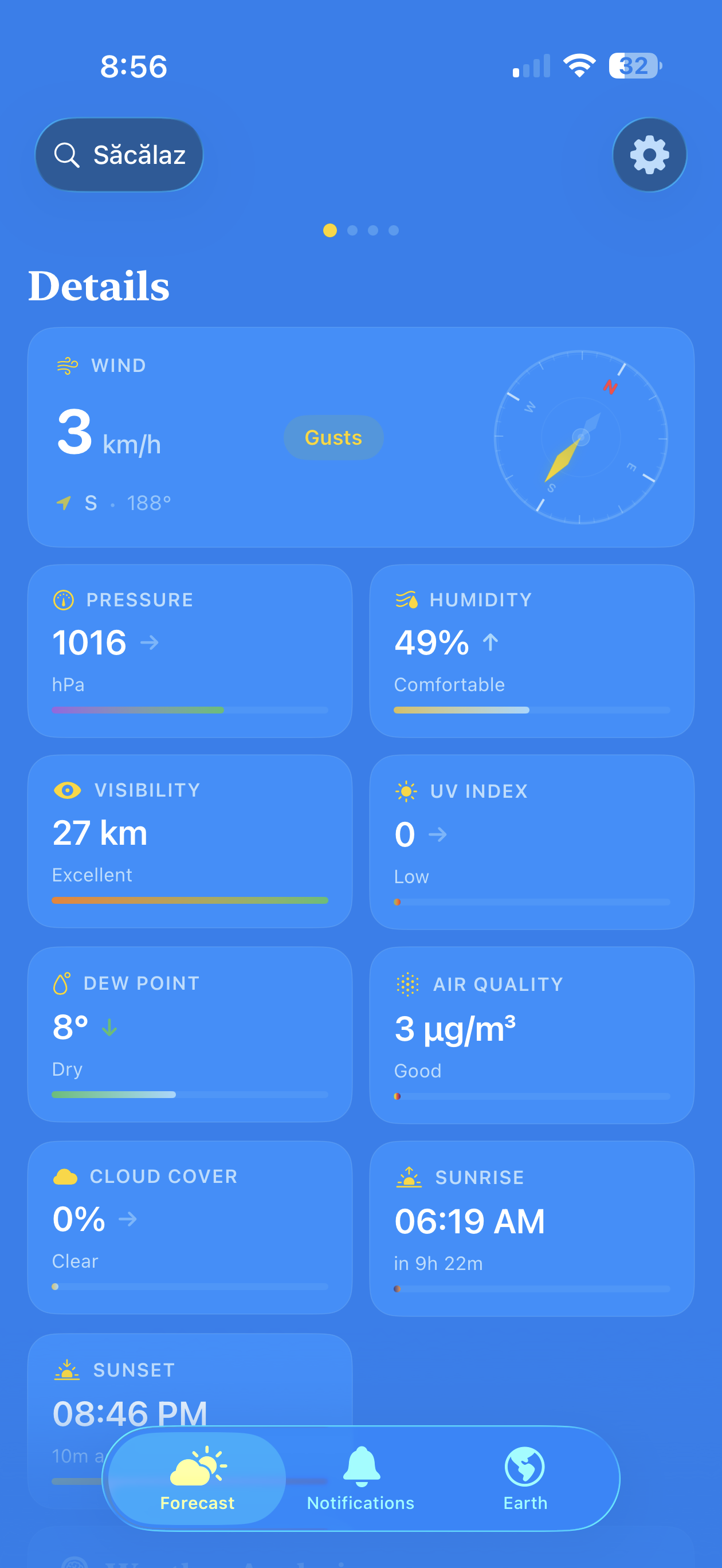
Real screen captures. Real weather data. Recorded on a real iPhone. No mockups.
Magic Weather doesn't roll its own meteorology. It pulls from the most respected open and government data sources on the planet, and tells you exactly which one you're looking at.
Start with 3 days free. No account. No ads. Just the Earth, on your terms.
Universal binary. Menu-bar & full-window. Drag to Applications and you're done.
Download .dmg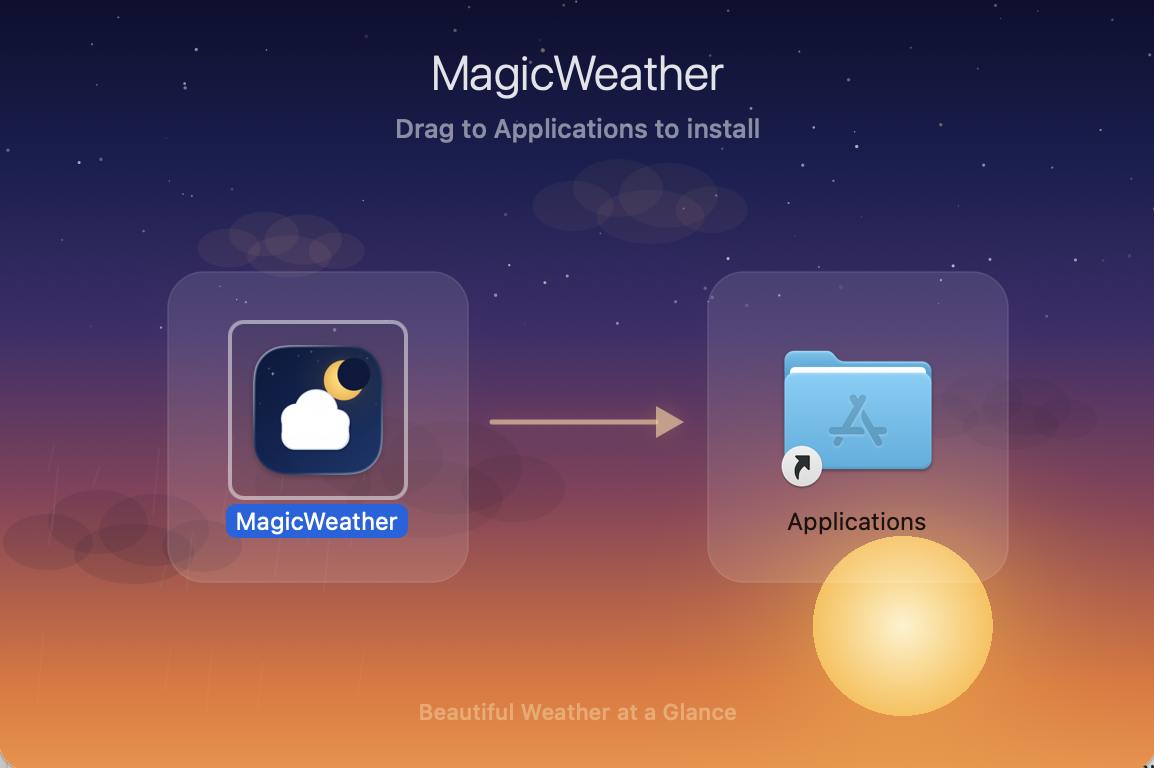
One purchase. Three platforms. Synced locations and alerts via iCloud.
Download on the App Store
.dmg and drag MagicWeather into your Applications folder.
First launch may require System Settings → Privacy & Security → Open Anyway.