In Magic Weather, open Settings › Locations & weather data, find Netatmo Station and tap Connect Netatmo. Sign in to Netatmo and allow access. While you are near your station, its live temperature, humidity, pressure, wind and rain replace the forecast's estimate for current conditions. Each module you own is used, and anything you do not have falls back to the forecast.
Why use your own station
Forecast models compute the weather for boxes several kilometres across. Your garden, your street and your hill are not in the model. A station measures the air where you actually are, which is why it so often disagrees with the forecast by a degree or two, especially on calm, clear nights. Why forecasts differ.
Connect it
- Open Settings (the gear on the Forecast tab).
- Go to Locations & weather data and find Netatmo Station.
- Tap Connect Netatmo, sign in to your Netatmo account and allow access.
- When it says Connected, the list shows which modules the app found.
What each module provides
| Module | Used for | Without it |
|---|---|---|
| Outdoor module | Temperature and humidity | The forecast is used |
| Base station | Pressure | The forecast is used |
| Wind gauge | Wind speed and direction | The forecast is used |
| Rain gauge | Precipitation | The forecast is used |
The station replaces the forecast's estimate for current conditions. The forecast for the hours and days ahead still comes from your forecast provider.
Set a maximum distance
Max Distance decides how far from your station its readings are still used. Beyond it, the forecast takes over. A few kilometres suits most people: close enough that the station is representative, far enough to cover your neighbourhood. Choose No Limit if you always want your station's readings.
Community stations
Many Netatmo owners share their stations publicly. For places outside your own station's range, Community Station lets you browse the public stations near the place you are looking at and choose one. If none appear, try a wider search: coverage depends on owners choosing to share.
You can switch back at any time with Use My Station Instead or Use Forecast Only.
When the station goes quiet
If the last reading is more than 20 minutes old, perhaps because of a flat battery or a Wi-Fi outage, Magic Weather says so and uses the forecast until fresh data arrives.
On Apple Watch
When a station is connected, the watch app gains a station card and page with every module: outdoor and indoor readings, the rain gauge with the last hour, and today's range. More on the watch app.
Station and barometer together
If you also use your iPhone's own barometer, you have two pressure readings: one from the base station at home, one from the phone in your pocket. Both are useful. The base station is steady and always home; the phone goes with you. The barometer storm alert.
Common questions
Which Netatmo modules does Magic Weather use?
The outdoor module for temperature and humidity, the base station for pressure, the wind gauge for speed and direction, and the rain gauge for precipitation. Anything you do not have uses the forecast instead.
What happens when I travel away from my station?
Beyond the maximum distance you set, Magic Weather uses the forecast again. You can also pick a public station that another Netatmo owner shares for the place you are looking at.
What if my station stops updating?
If the last reading is more than 20 minutes old, the app uses the forecast until fresh data arrives.
Does it show on Apple Watch?
Yes. When a station is connected, the watch app shows a station card with outdoor and indoor readings, the rain gauge and today's range.
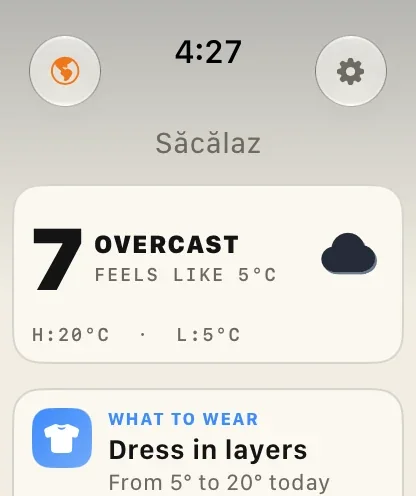
Magic Weather on Apple Watch: the forecast, the Earth and radar on your wrist
What the Magic Weather Apple Watch app shows, how to add complications to your watch face, and how it works on its own without your iPhone.
Why do weather apps show different forecasts for the same place?
Two weather apps can disagree about the same afternoon because they use different forecast models, update times and locations. Here is how to choose.
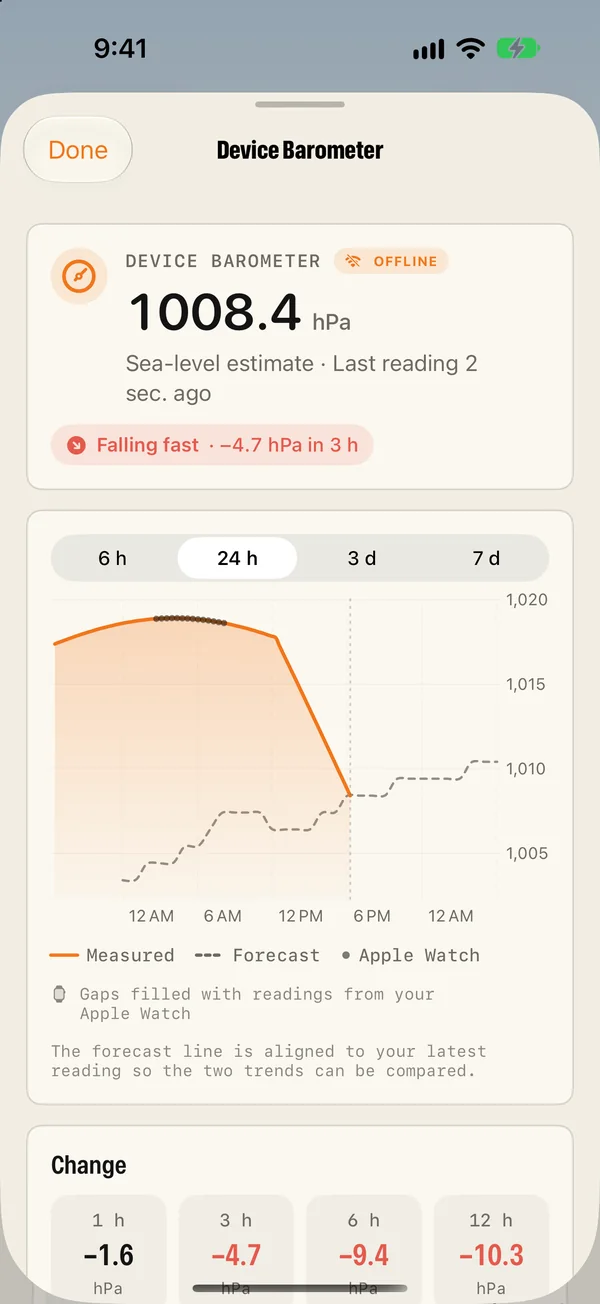
Your iPhone has a barometer. Here is how to use it as a storm warning
Your iPhone measures air pressure. Magic Weather logs it and warns you when it falls fast, even offline. How it works on iPhone and Apple Watch.