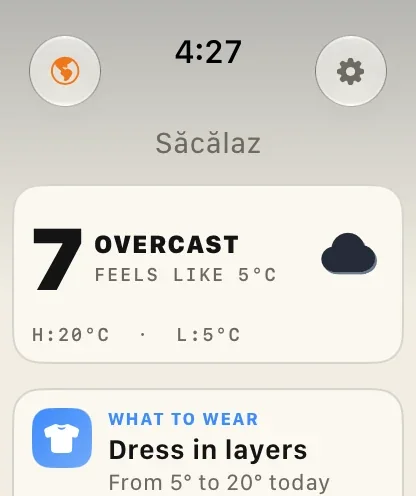
The Magic Weather watch app comes with the iPhone app and wears the same theme. It opens on the current weather and a tip for the day, then scrolls down to the weathergraph and the week. Buttons at the top open the Earth, radar, the solar system and settings. Add a complication to your watch face for a glance without opening the app.
Getting it
The watch app comes with the iPhone app. If it is not on your watch, open the Watch app on your iPhone, scroll to Available Apps and tap Install beside Magic Weather. It needs watchOS 10 or later.
What is on the main screen
Turn the Digital Crown to scroll from top to bottom.
| Section | What it shows |
|---|---|
| Your place | Follows your location, at the top. |
| Right now | Temperature, sky, feels like, and today's high and low. Tap it to open more readings in place: wind and gusts, humidity and dew point, pressure, UV, visibility, rain, sunrise and sunset. |
| Tips | The most useful tip for the day, such as what to wear. |
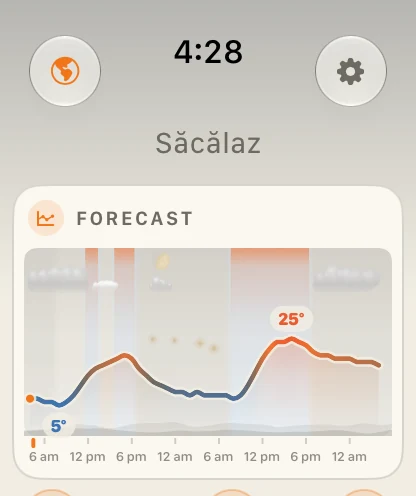
| Forecast | The weathergraph: temperature, sky, wind and rain over the coming days. How to read it. |
| The week | The days ahead with their highs and lows. |
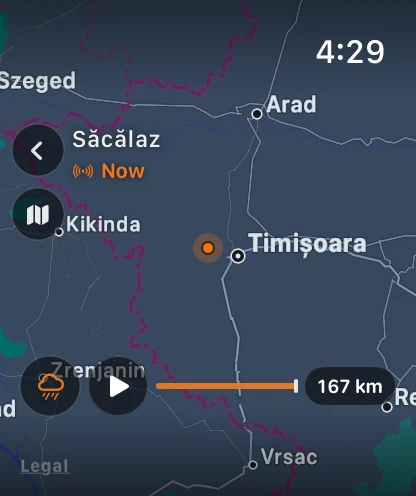
The Earth, radar and the solar system
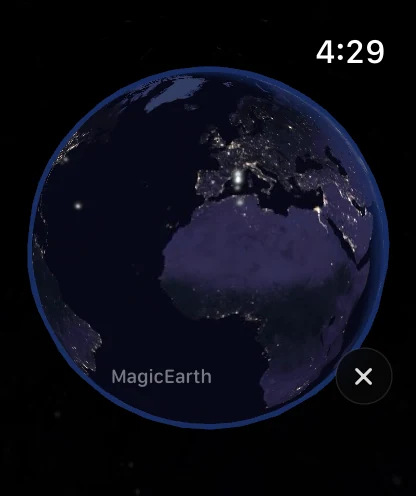
The round button at the top left opens the Earth: a live globe on your wrist. From there you can reach the radar, with a loop of the rain around you, and the solar system. Turn the Digital Crown to zoom.
The gear at the top right opens the watch app's settings.
Add a complication
- Touch and hold the watch face, then tap Edit.
- Swipe left to the complications screen.
- Tap the slot you want to change.
- Scroll to Magic Weather and choose a complication.
- Press the Digital Crown to save, then tap the face.
You can also do this from the Watch app on your iPhone, under Face Gallery or My Faces. A complication puts the temperature or the sky on your face, and tapping it opens the app.
Works on its own
The watch app fetches its own forecast over Wi-Fi or cellular, and follows your location. You can go for a run without your phone and still see the weather.
The barometer on your wrist
Apple Watch has its own pressure sensor. The watch app has a Barometer page, a complication for it, and can send its own alerts when the pressure falls fast. The watch and the iPhone share readings, so the chart stays complete. More on the barometer storm alert.
Your own weather station
If you have connected a Netatmo weather station in the iPhone app, the watch shows it as well: outdoor and indoor readings, the rain gauge and today's range. How to connect a station.
Alerts and Live Activities
- Notifications from Magic Weather on your iPhone are mirrored to your wrist, so a rain or storm alert reaches you even with the phone in a bag.
- Live Activities appear in the Smart Stack with watchOS 11 or later. Turn the Digital Crown up from the watch face to see the countdown to the rain. How Live Activities work.
The same theme
The watch app wears the theme you chose on your iPhone. Switch to Art, Deep Space or Candy in the iPhone app and the watch follows. More on themes.
Common questions
Does the Magic Weather watch app work without my iPhone?
Yes. On Apple Watch with Wi-Fi or cellular, it fetches its own forecast and follows your location. The first setup happens through your iPhone.
How do I add Magic Weather to my watch face?
Touch and hold the watch face, tap Edit, swipe to the complications screen, tap a slot and choose Magic Weather from the list.
Which Apple Watch do I need?
Apple Watch with watchOS 10 or later.
Does it show weather alerts on the watch?
Notifications from Magic Weather on your iPhone are mirrored to your watch. Live Activities also appear in the Smart Stack with watchOS 11 or later.
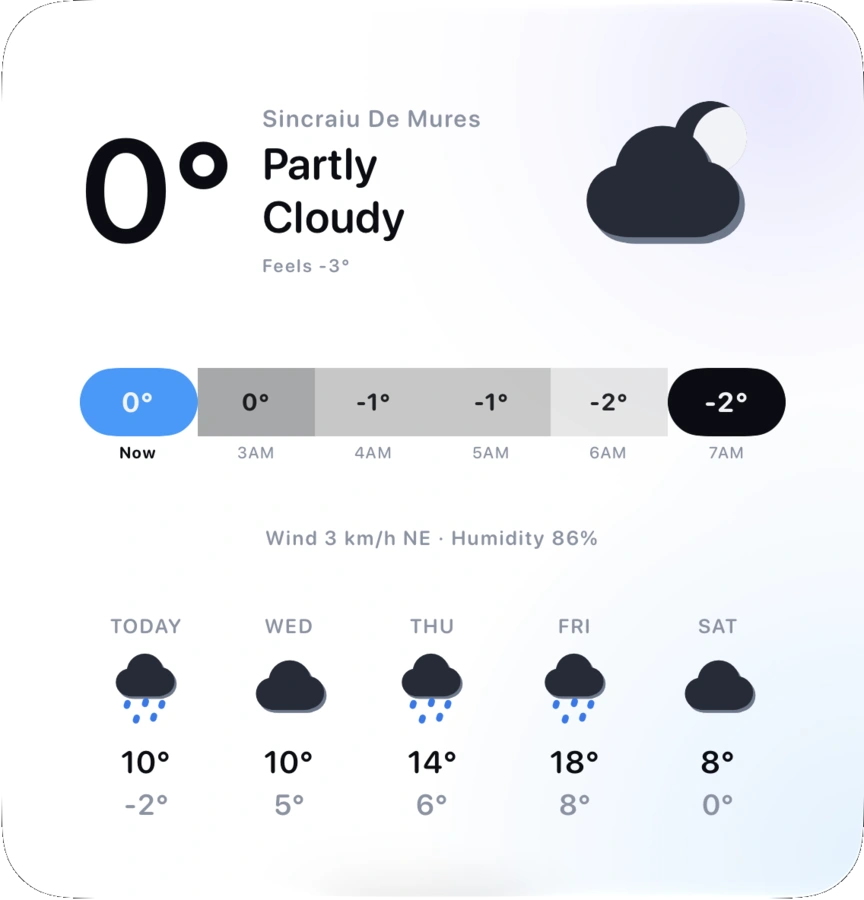
How to add weather widgets to your iPhone Home Screen and Lock Screen
Add Magic Weather widgets to your iPhone Home Screen, Lock Screen and Mac desktop: step-by-step, with what each widget shows and fixes if one is stale.
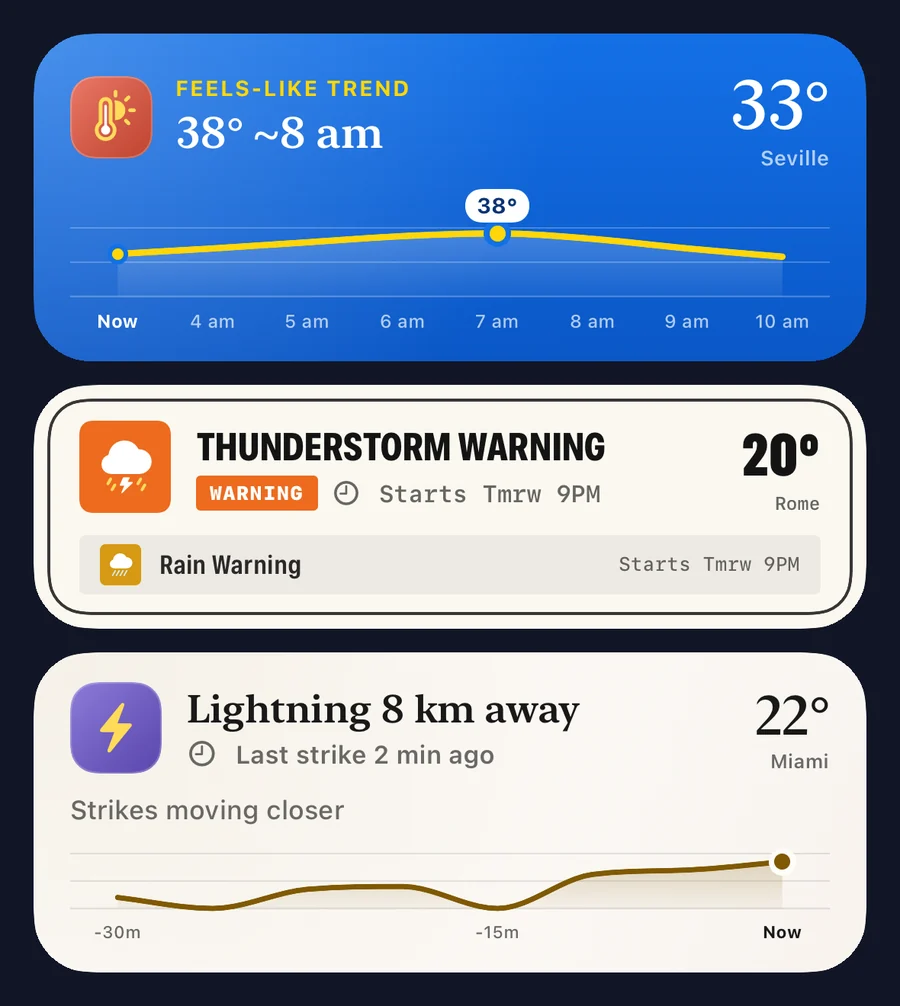
Weather in the Dynamic Island: how Live Activities follow the rain
Magic Weather's Live Activities put rain, wind, heat, lightning and warnings on your iPhone Lock Screen and Dynamic Island until the weather has passed.
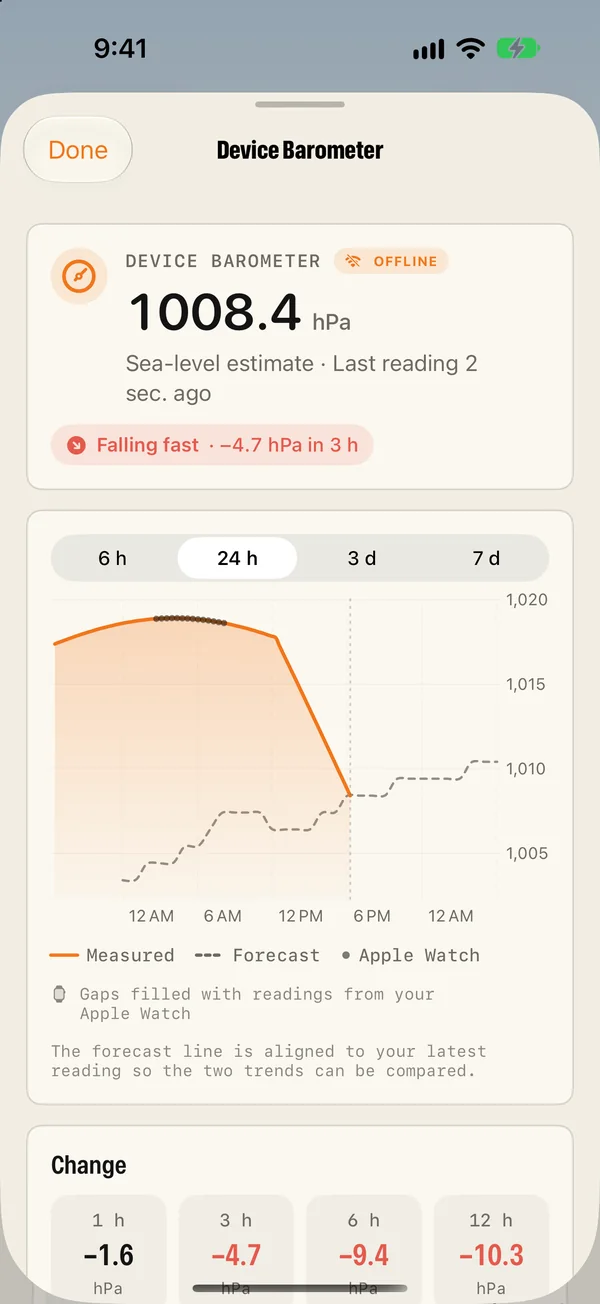
Your iPhone has a barometer. Here is how to use it as a storm warning
Your iPhone measures air pressure. Magic Weather logs it and warns you when it falls fast, even offline. How it works on iPhone and Apple Watch.