When rain, snow or a storm is on its way, Magic Weather starts a Live Activity. It appears on the Lock Screen and, on iPhones that have one, in the Dynamic Island, showing when the weather starts and how strong it will be. It updates by itself and ends when the weather has passed. To use it, keep alerts on in the Notifications tab and allow Live Activities for Magic Weather in iOS Settings.
What a Live Activity is
A Live Activity is a small, live display that an app can pin to the Lock Screen and the Dynamic Island for something that is happening now: a food delivery, a football score, a timer. It updates by itself, and it goes away when the event is over.
Weather is a natural fit. When a shower is 40 minutes away, you do not want one notification that you may miss. You want something that stays visible, counts down, and shows what is coming.
What Magic Weather follows
| Kind | What the card shows |
|---|---|
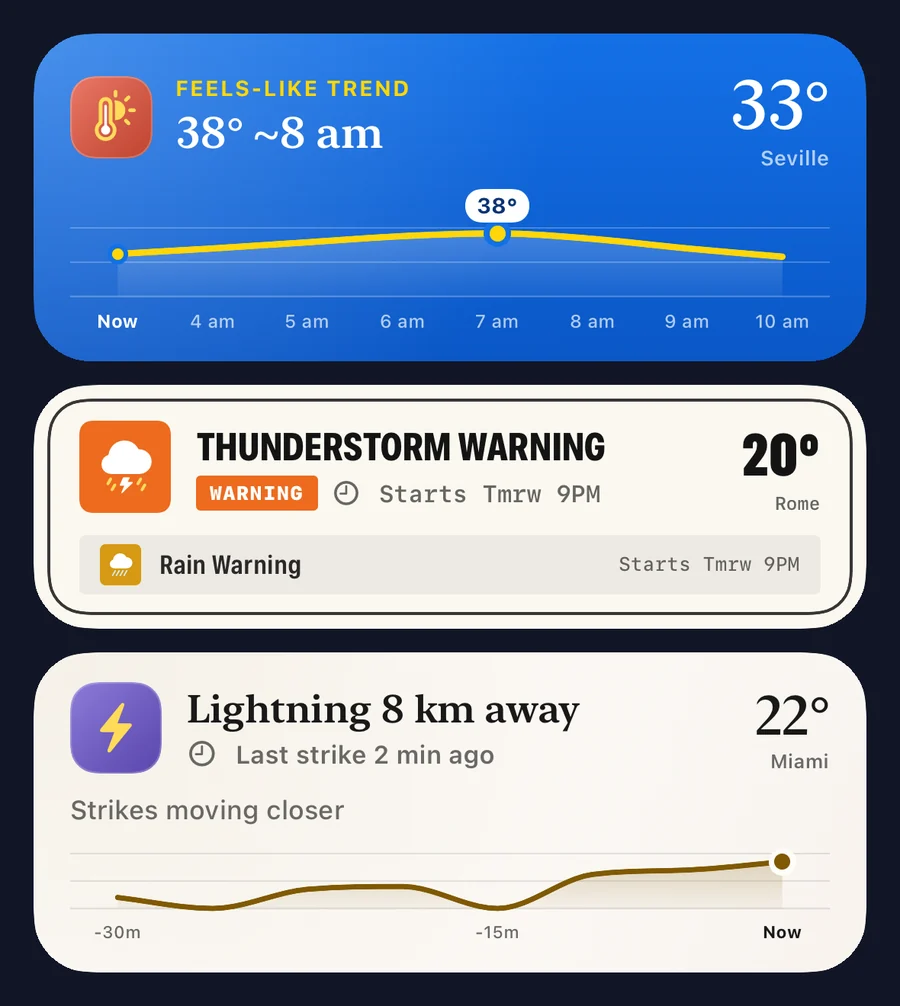
| Rain and snow | When it starts, how likely and how heavy, as a curve over the next hours. |
| Wind | When the wind picks up and how strong the gusts will be. |
| Heat | How the feels-like temperature moves through the day and when it peaks. |
| Lightning | How far away the nearest strikes are, and whether they are moving closer. |
| Pressure | A fast drop on the barometer, with how far it has fallen. |
| Official warnings | The warning, its severity and how long it is in force. |
Each one ends by itself once the weather has passed or the warning has expired.
On the Lock Screen
The Live Activity appears as a card below the clock, above your notifications. It shows the place, the current temperature, a headline such as "Starts ~2h", and a small chart of the hours ahead. On iPhones with an Always-On display it stays visible while the phone is dimmed.
Tap the card to open the app at the right place.
In the Dynamic Island
On an iPhone with a Dynamic Island, the same information appears around the camera cut-out while you use other apps.
- Compact: an icon and the temperature on one side, the timing on the other.
- Expanded: touch and hold the island to see the full card with its chart.
- Minimal: if another app is also using the island, the weather shrinks to a small icon.
Tap the island to open Magic Weather. Swipe it sideways to hide it for now.
On Apple Watch
With watchOS 11 or later, Live Activities from your iPhone also appear in the Smart Stack on Apple Watch. Turn the Digital Crown up from the watch face and the weather card is there, so the countdown to the rain is on your wrist as well.
Switch it on
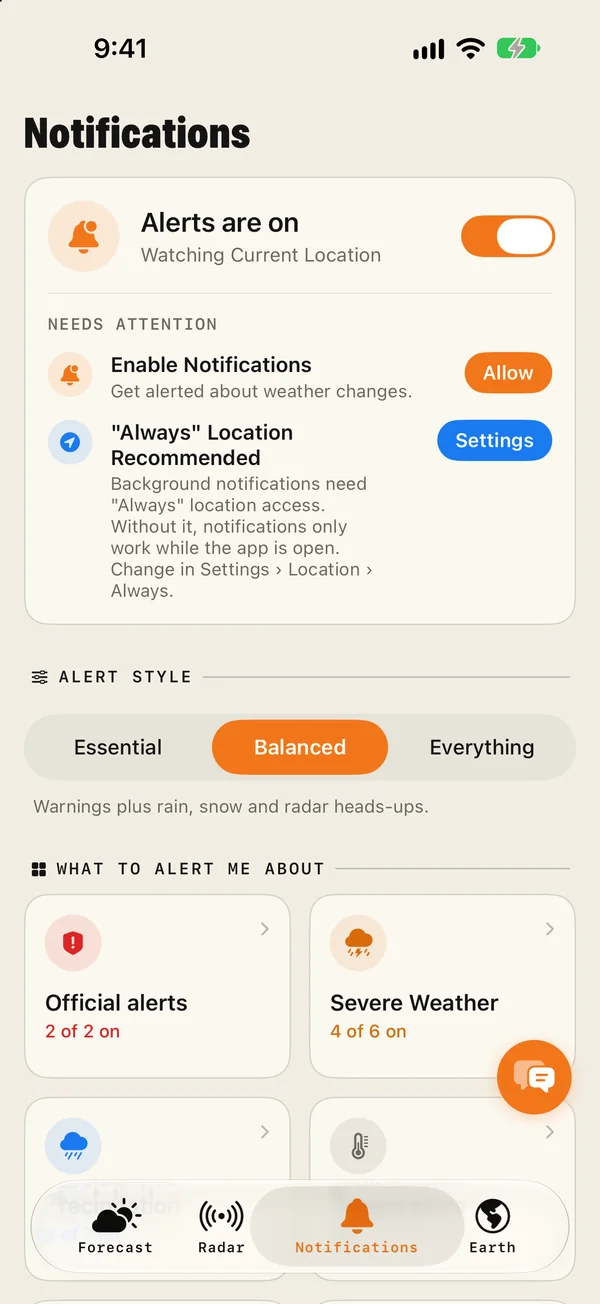
- In the app: open the Notifications tab and make sure Alerts are on. Live Activities start for the kinds of weather you have alerts for.
- In iOS: find Magic Weather in the Settings app and check that Live Activities is on.
- Location: set location access to Always if you want the Live Activity to follow you as you move.
You do not start one yourself. It appears when the weather calls for it.
It wears your theme
Live Activities take the look of the theme you chose in the app. In Art they are poster-like, with ink on paper. In Candy they are bright blue. In Deep Space and AMOLED they are dark. The Dynamic Island version uses the same accents.
Things worth knowing
- They are updated by push. The app does not have to run in the background, which is why they are easy on the battery.
- iOS sets a time limit. A Live Activity can stay active for up to eight hours.
- If the data is old, the card says when it was last updated and offers a Refresh button.
Live Activity or widget?
They do different jobs. A widget is always there and shows the general picture. A Live Activity appears only when something is about to happen, and goes away afterwards. Use both: a widget for the everyday glance, and Live Activities so that the Lock Screen speaks up when it matters.
Common questions
Which iPhones have the Dynamic Island?
The iPhone 14 Pro and 14 Pro Max, and most models released since the iPhone 15. The iPhone 16e is an exception. On iPhones without one, the Live Activity appears on the Lock Screen only.
How do I turn weather Live Activities on or off?
Find Magic Weather in the iOS Settings app and switch Live Activities on or off. In the app, Live Activities start only while alerts are on in the Notifications tab.
How do I dismiss a Live Activity?
On the Lock Screen, swipe it from right to left and tap Clear. In the Dynamic Island, swipe it sideways to hide it. It also ends by itself when the weather has passed.
Do Live Activities use a lot of battery?
No. They are updated by push from a server, so the app is not running in the background while one is showing.
How to get rain alerts on your iPhone before it starts
Set up rain alerts on iPhone with Magic Weather: a notification before rain starts and stops, a Live Activity that follows the shower, and fixes if none arrive.
How to add weather widgets to your iPhone Home Screen and Lock Screen
Add Magic Weather widgets to your iPhone Home Screen, Lock Screen and Mac desktop: step-by-step, with what each widget shows and fixes if one is stale.
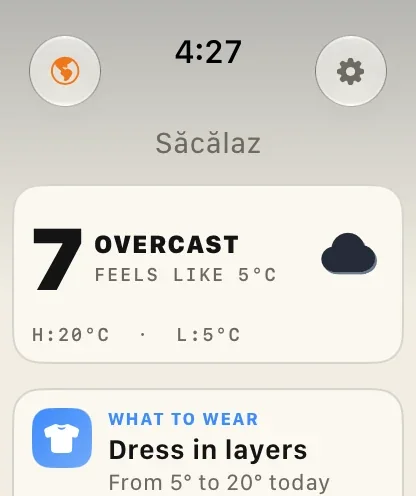
Magic Weather on Apple Watch: the forecast, the Earth and radar on your wrist
What the Magic Weather Apple Watch app shows, how to add complications to your watch face, and how it works on its own without your iPhone.